
Norman Sword
-
Posts
631 -
Joined
-
Last visited
Everything posted by Norman Sword
-
One of the differences between JSW and JSW2 is the method of screen updates. JSW2 uses XOR for all sprite updates. This does introduce a visual change to the game. One that is easy to spot. To implement XOR you basically run the game drawing routines twice in every loop. So movement and drawing are completely separated.
-
When I first saw this edit, I was surprised that the scrolling was based on willies x position alone, and did not incorporate his animation phase as well. By using the x position of willy as the basis for the scroll copy, the screen is scrolled in blocks of two characters at a time. It does not take a lot of code to change the scroll to one character by using the animation phase of willy. The buffer copied to, is set at 34 wide instead of 32. Then the start position of the copy is either set at the start of the copy buffer (animation phase 0 or 1) and move along by 1 byte if the animation phase is 2 or 3. This then halves the increment on the scroll and it would look a lot better.
-
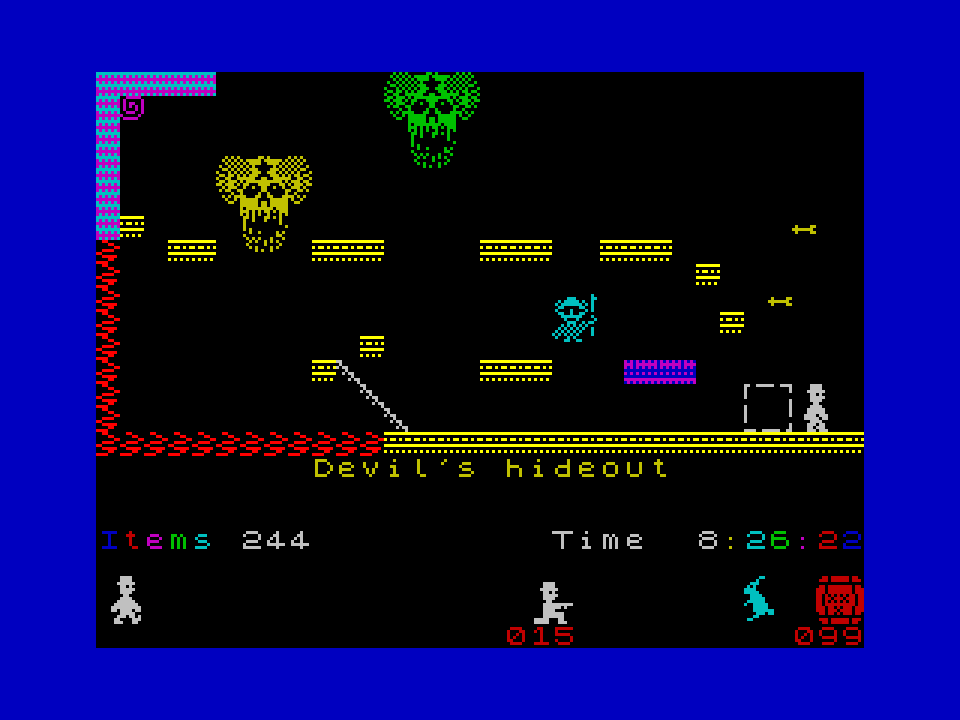
The speed changes The biggest factor in overall game speed is the four innocent looking LDIR instructions that copy the screens. Those four ldir's move 9216 bytes of memory mentioned numerous times:- using ldir takes 21*9216 T states to copy the screens on each and every loop. A very big chunk of time. Using LDI takes 16*9216 T states to copy the screen on each and every loop (idealized times) . A noticeable increase in speed. Using stack copy can push the idealized times up to 11*9216 T states, a very noticable increase in speed. At this point in speed increase we can make more and more changes in the games background speed, but we have hit a basic speed limit. The screen copies dwarf all other speed considerations. There is however another factor that is adding a major slow down. One that is not looked at because the normal scope of editing does not bring into its remit the placement of the copy screens. ALL the copy screens sit below #8000 and this means all the screen data is written to contended memory. And all the copies to and fro are copies that are in contended memory. Every single sprite draw and screen copy is affected by the contended memory issue and this speed decrease is not within the scope of editing JSW. The small program included here, just loops and draws to a dummy screen (filling it with data). it then copies the dummy screen to another dummy screen. And finally copies the 2nd dummy screen to the visible screen.(similar to the game copy routines in JSW) Each loop of fill and double copy, moves a visible pointer on the screen, and a text line displays what memory is being copied. The small routine does this copying using two sets of screens. The first set of screens is sat below #8000 and all the data is moved from contended memory to contended memory (which is how JSW is set up). The 2nd routine uses the same routine, but now the two copy screens are sat above #8000. This moves the same amount of data and it is only the final copy that is moving data into contended memory. (the copy to the visible screen) What this small program shows is the speed decrease that contended memory gives a 256 loop of this routine in contended memory 26.73 seconds a 256 loop of this routine in high memory 23.13 seconds A slowing down due to contended memory of 3.6 seconds. The contended memory issues show that a speed increase of around 14% is available on LDIR just by moving the screens. Not a great deal of time on its own, but once the screens are moved. That 14% increase is mirrored by all the other methods of screen copy. A stack copy using un-contended memory is a lot faster than the same stack copy with contended memory. So in the JSW GAMES version VK and version VL. I use un-contended memory for the copy screens. From version VK and onward the whole game allocation is changed. And no amount of editing the basic game will achieve these speed increases, until they are also reconfigured in a similar way (or rewritten) Vesion VL DEMO goes one stage further and uses a change of strategy. This adds a great deal of code and complexity, but the result is evident in the speed increase. CONTEN~1.tap
-
The dancing was based on the games Ticker. This quick update--- updates from the games current playing note index. This keeps his dancing at a more fixed speed (in tempo to the music) Now with a file actually attached:- -------------------------------------------------------- Addendum a couple of hours is a long time:- jsw VL5 DEMO revision3.tap The animation is based on the tempo of the music, and is too Manic (right frame of mind but wrong game). I could slow it down to look less Manic. (Tried it and was still not happy.) jsw VL5 DEMO revision3a.tap The animation in this version is based instead on the note being played. So if a note is sustained, the animation will not change. The sequencing of the animation is solely dependent on the value of the note played. So the animation is fixed by the music. I feel this whilst erratic frantic (not Manic) better suits the game. Alas I am out of memory so the next addition I did corrupted a pile of data. Some visual screen data is deliberately placed at the end of available space, and if I exceed my code space. The data will be displayed on the screen as a mess. this indicates visually to me the limits of editing. Whilst I had to delete this routine the idea was to actually play the wording of the tune across the bottom of the screen as Willy danced -- Looked interesting, just not interesting enough to accommodate into the space available. Something would need to be deleted and the routine was not exciting enough to progress any further.
-
The way this plays music bears little resemblance to the way Matthew played music. His was just an incremented pointer, playing at a fixed rate. Code wise :- 35648 LD A,(34273) Increment the in-game music note index at 34273 35651 INC A 35652 LD (34273),A 35655 AND 126 Point HL at the appropriate entry in the tune data table at 34399 35657 RRCA 35658 LD E,A 35659 LD D,0 35661 LD HL,34399 35664 ADD HL,DE at this point (hl) holds the note data "BC" will be set with a fixed value of 3 and my code --- minus most of the comments and data ; this plays variable length and variable note repeat and even mutes the music if needed the call to STEP_INDEX- this adds "A" to "HL" and returns the contents of "(HL)" : A=(A+HL) The routine below plays the in game music, changed from just being a variable delay. snail_run: ld hl,var_flag ; this is the speed factor LD a,(MUSIC) ; the music flag (on/off) bit 1,a ld a,(hl) LD D,0 jr Nz,set1_version add a,4 LD D,#18 set1_version: or a ret z ; this loop is repeated less than 20 times at maximum slow down ;(the speed to execute this code compared to the delay this is calculating, means it is insignificant) ; on a flat out game (music off and fastest speed) this code is not executed. ld e,a ld bc,$190 ; a delay value ld hl,0 sgk: add hl,bc dec a jr nz,sgk ld c,l ld b,h ld hl,repeating_note ; table of Blip values (how many times the note will blip) ld a,e call STEP_INDEX LD E,A S_M_C_RECHARGE: EQU $+1 ld a,2 dec a jr nz,se1_note inc (hl) ld a,E se1_note: ld (S_M_C_RECHARGE),a ld a,(hl) and 63 LD HL,Music_data ; table of note data CALL STEP_INDEX ld e,a E= note BC= duration L= mic toggle D=mic toggle (the routine uses "L", so this must be copied, somewhere) Note standard in all my code. if something starts with S_M_C_ it is indicating the value or variable is part of inline code that will be modified e.g. Self Modifying Code ;-------------------------------------------- The game notes are still played as designated minimum of two blips per note, However on the first pass the blip count is set to two and is similar to the problem in the original JSW. This is decremented and the first blip is played. This is one blip before the note index is moved to the next note. On first game start up the speed index is set to very fast and in this instance the number of blips is set to 5 for all the subsequent notes and the blip counter should be set at 5 (or even 6) . Not as stated above at 2. Playing one blip is equivalent at the game start to playing 1/5 of a note, Which is more noticeable than the equivalent problem in the original. All the changes in speed reset the blip count after each note. The routine has no external counters and does not get updated outside of the music/delay routine. The note index is reset on each game. The technical problem is the blip count, which was not reset and due historically to this being a two blip game was left as 2 (which would have still omitted the first half of the note, even if the game was started at the slowest speed). I thought it would take too much code to actually adjust the blip counter at reset to the required value on a game reset (I knew it was a problem- just was not bothered, to actually fix it--- this does have a great big banner on it saying DEMO of speed) addendum to the paragraph above......( on subsequent slow speed game, playing, with 2 blips per note) Not resetting the blip count can make it either skip one blip on subsequent game resets or skip the whole note. The chances are 50-50 I have now fixed this problem and inserted a blip reset, and changed the note index to the last note. This ensures on the first pass the blip count is reset to the correct value for its speed, and the note is stepped to the next note, which will be the first note. This was done by changing the data in a data reset list from (NOTE_INDEX ,0) to (NOTE_INDEX ,63) and inserting 2 more values (S_M_C_RECHARGE , 1). The modification was far easier than I thought at the time of writing the original. ------------------------- As I mentioned before I do not listen to the music, it is turned off. If the game had crashed or started playing very obvious long note sequences.I might have checked it a bit more or at least bothered to investigate how I could reset the data. It played and it was not the focus of what I was doing.
-
Noted the one note... Duly changed. I tend to not listen to the music. And I normally have no sound output on my PC. Others in the room do not appreciate the sound playing.
-
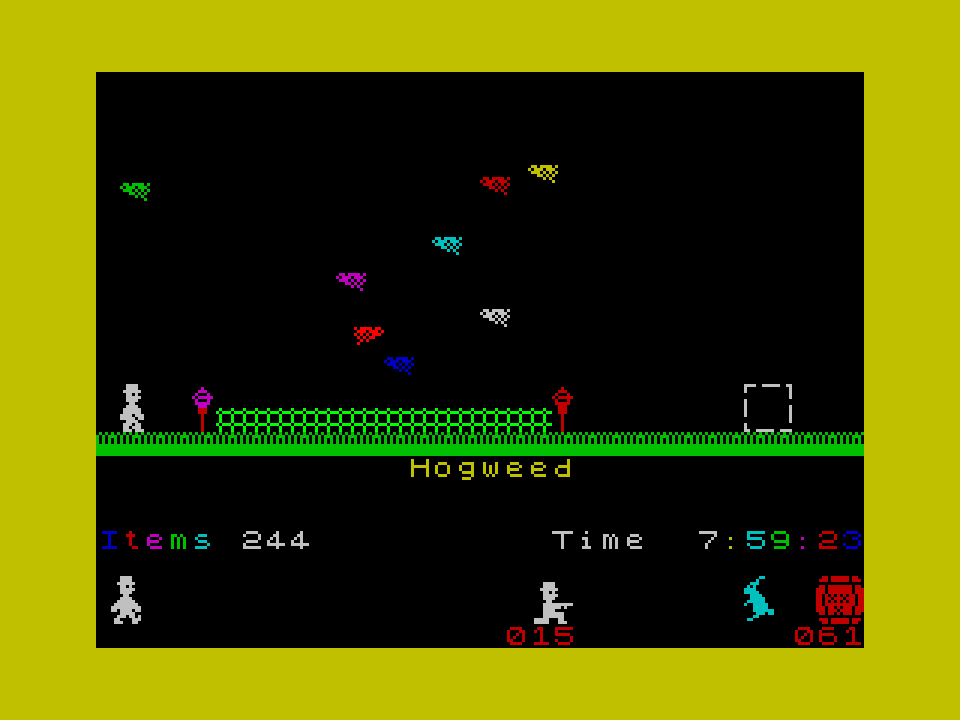
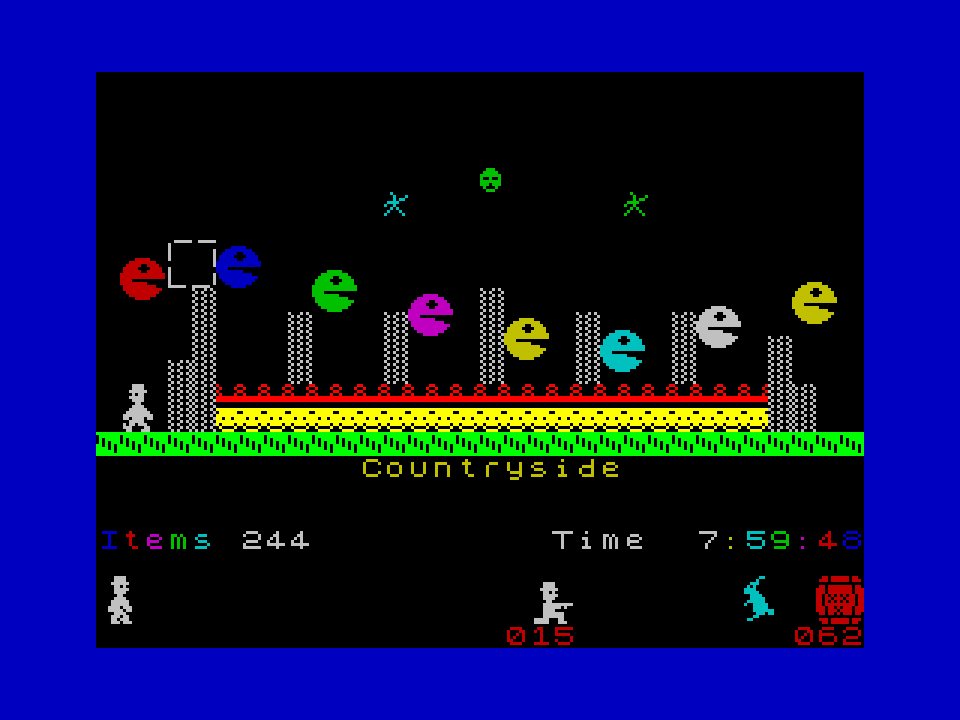
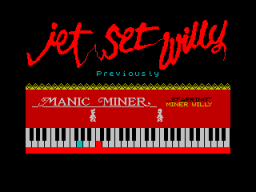
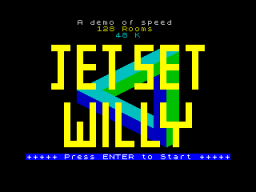
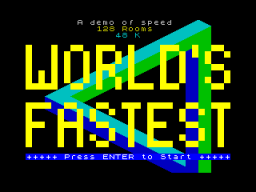
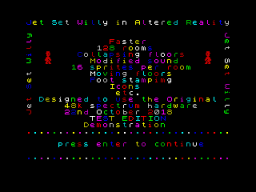
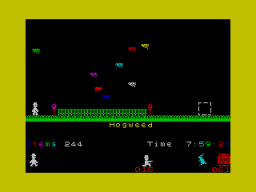
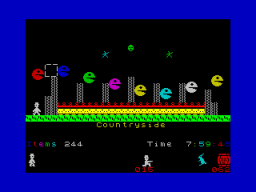
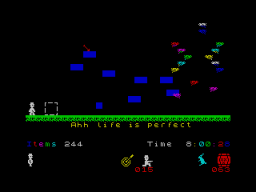
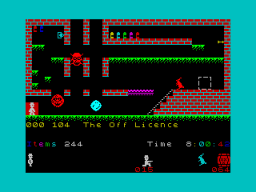
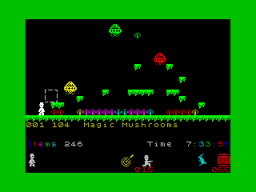
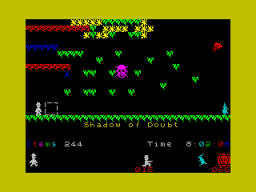
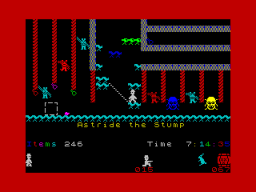
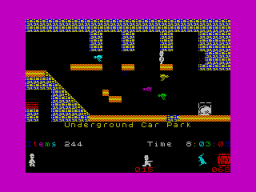
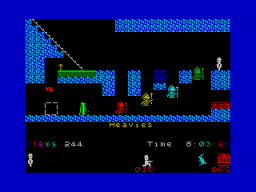
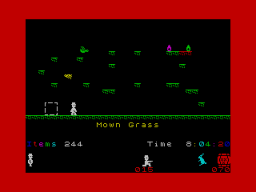
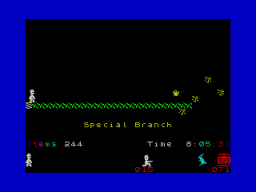
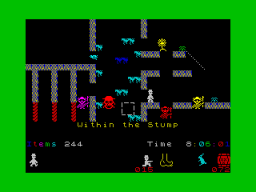
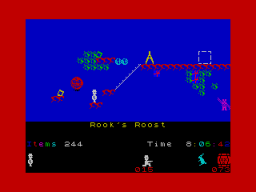
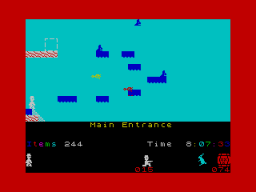
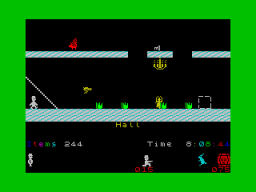
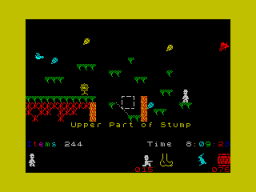
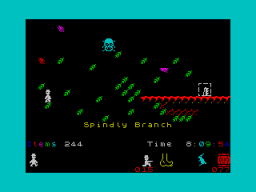
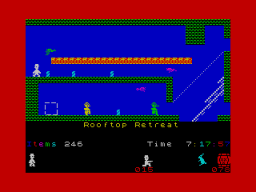
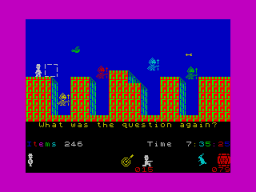
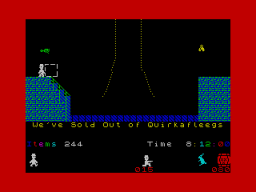
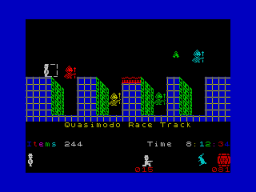
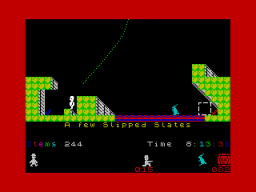
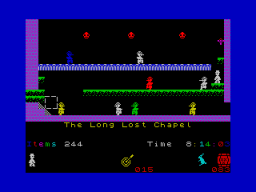
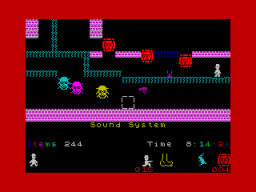
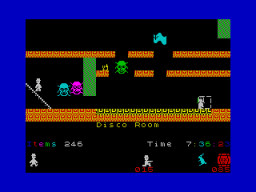
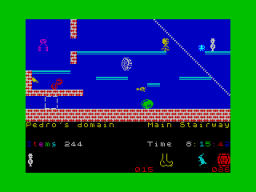
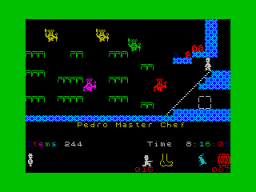
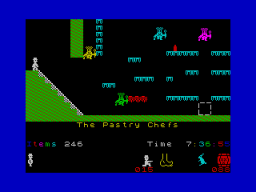
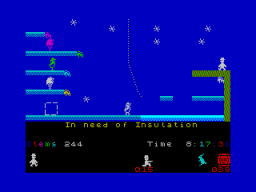
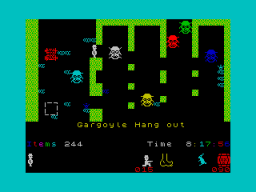
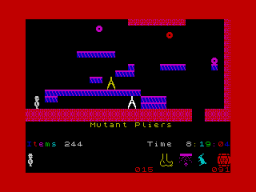
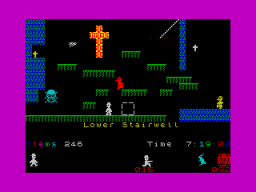
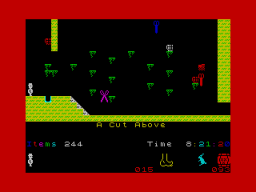
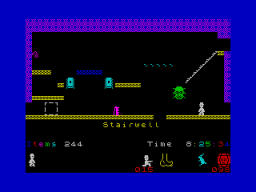
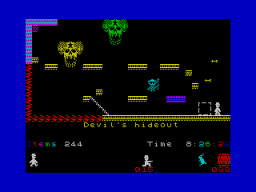
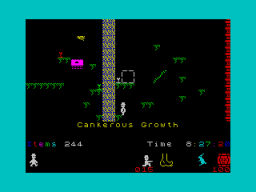
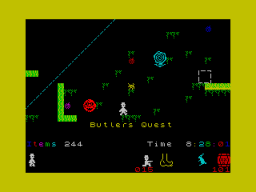
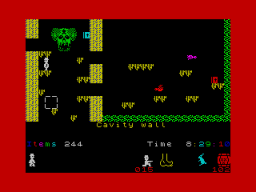
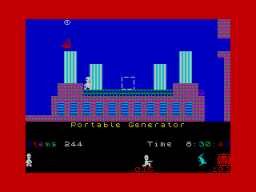
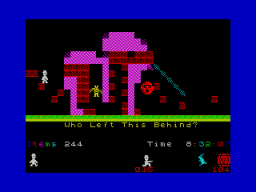
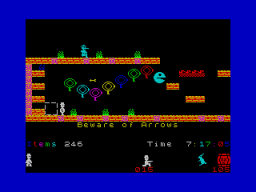
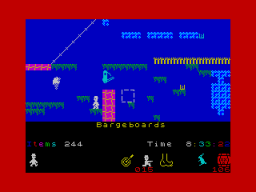
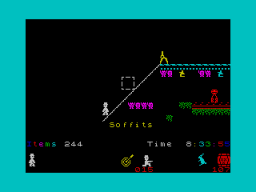
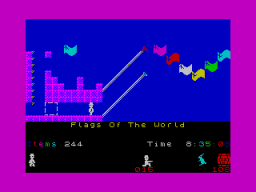
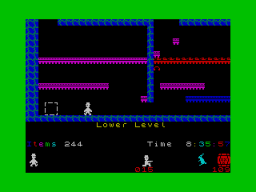
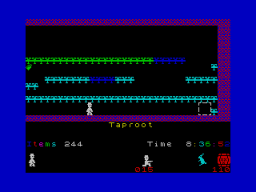
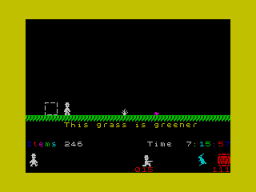
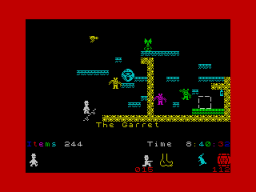
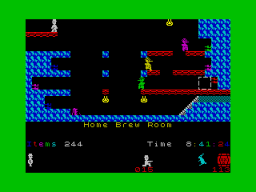
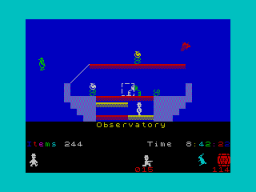
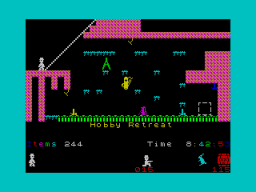
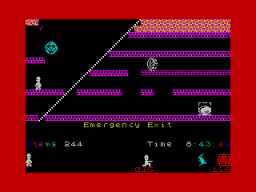
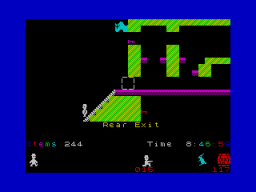
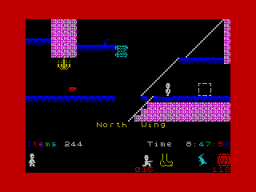
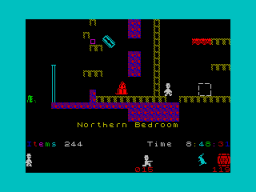
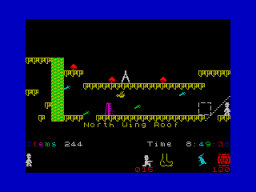
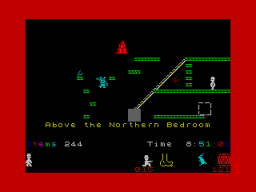
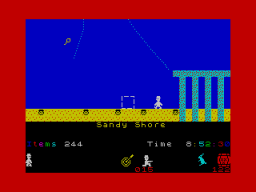
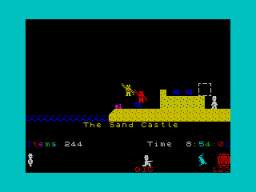
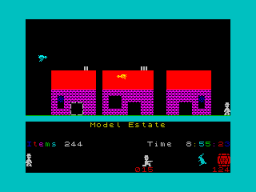
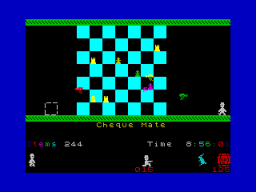
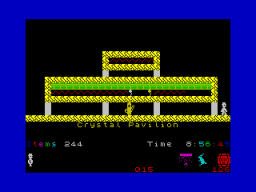
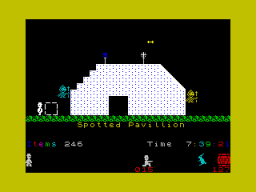
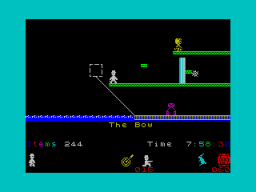
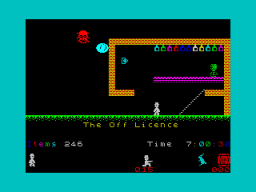
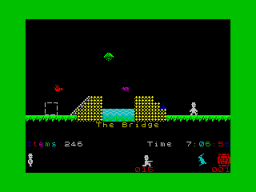
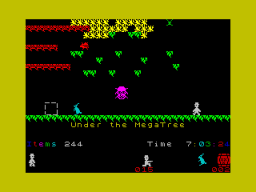
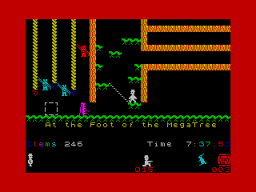
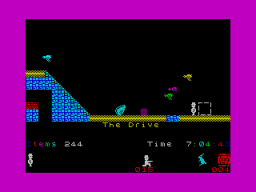
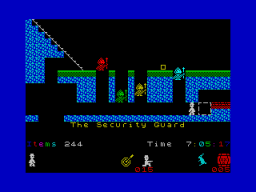
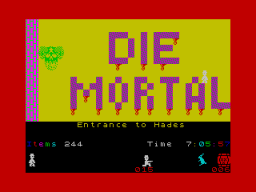
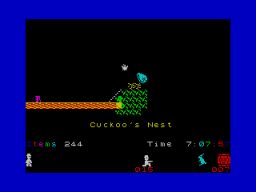
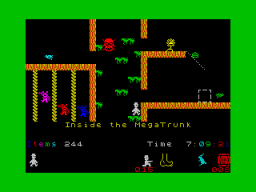
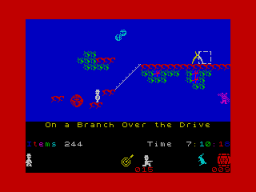
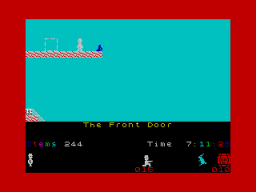
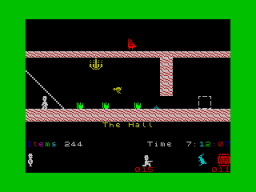
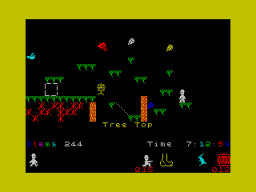
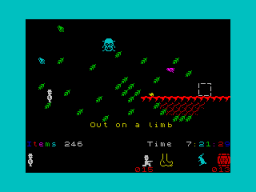
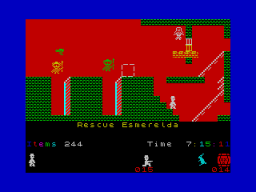
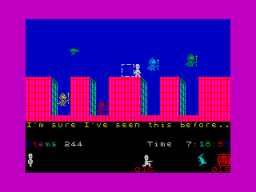
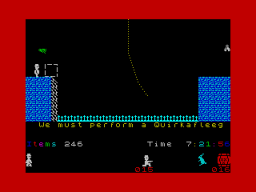
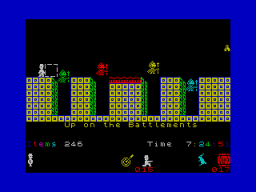
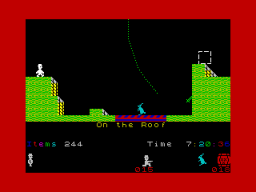
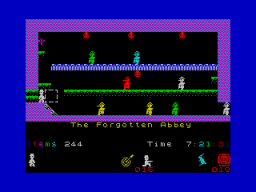
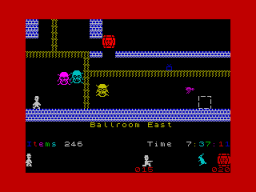
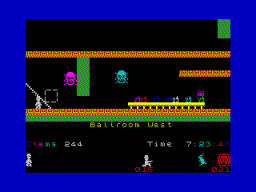
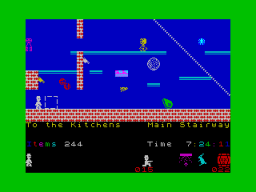
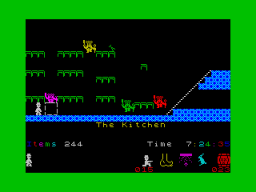
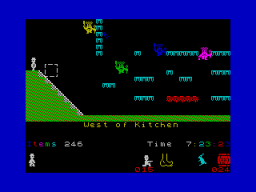
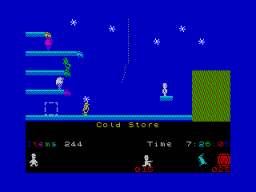
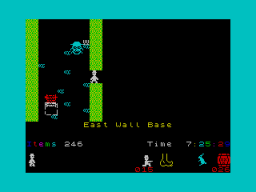
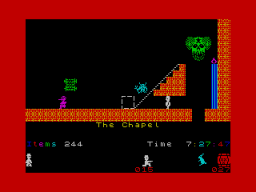
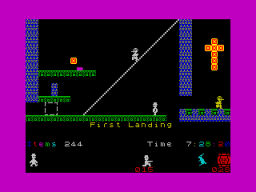
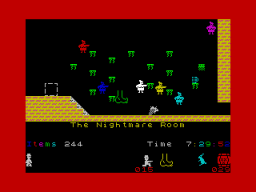
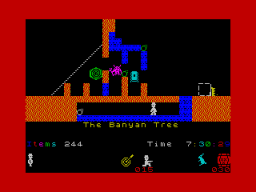
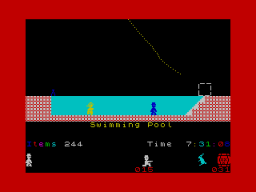
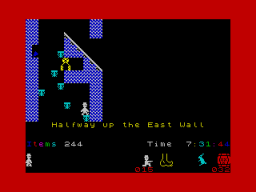
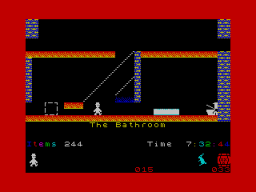
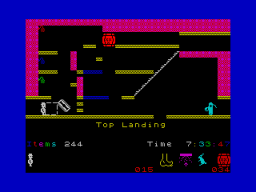
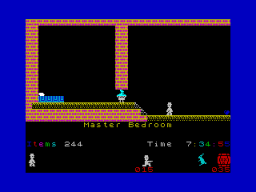
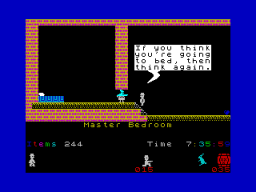
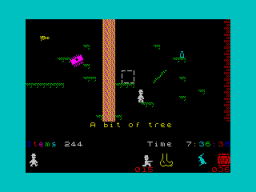
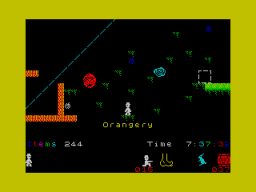
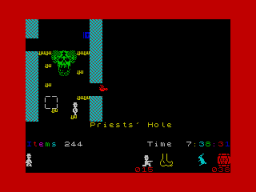
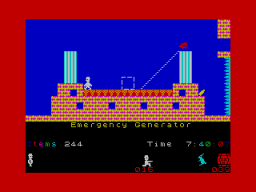
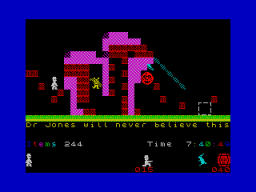
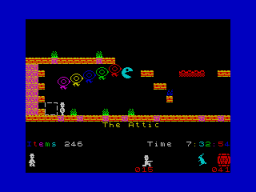
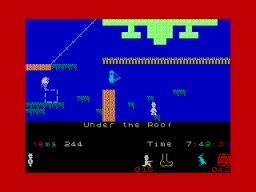
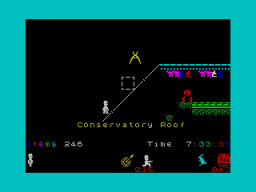
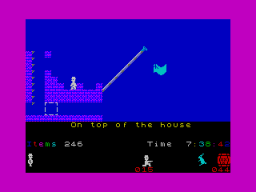
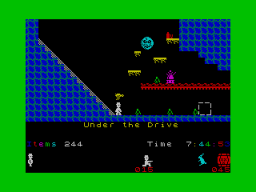
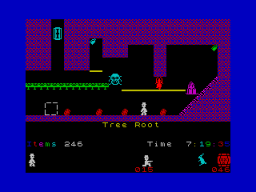
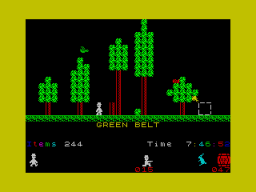
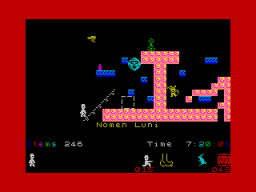
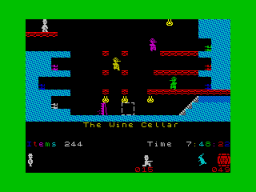
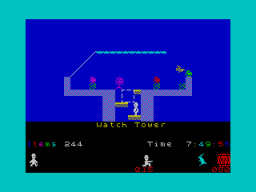
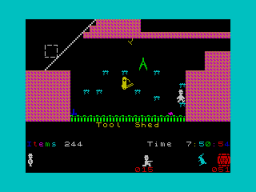
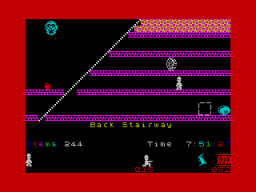
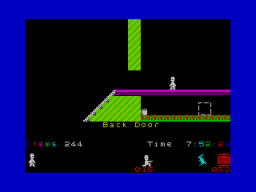
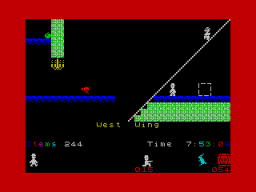
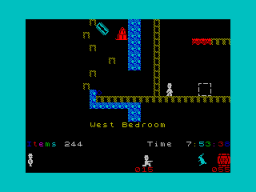
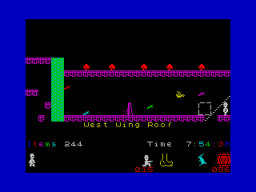
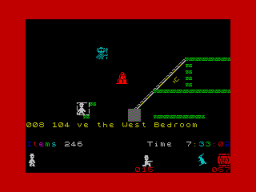
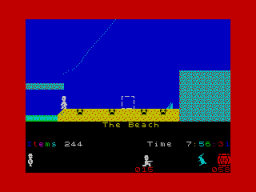
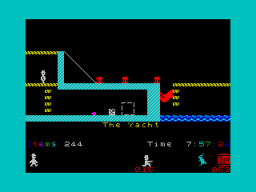
I have uploaded the Demo version of JSW 128 VL5.tap The slight name change is to JSW VL5 demo.tap. This is up loaded as a revision of JSW128 vl5.tap This demonstrates a very very very fast version of Jet set willy. This version also now plays music and not blips for the in game music. The tempo of the music is adjusted as the games speed is changed.. Since the basic music note is played twice, it was not possible to do step-less adjustment, for the faster versions. A large amount of extra graphics and routines added. All the graphics are displayed bit by bit in the extra title screens added. (over 21 variations on the title screen- based on the main five ) To see full speed, turn off the music. Since the option to upload is here (as well) I will attach the file here. ----------------------- One note changed. Typing error. The tune routine like most things was changed and speeded up. This meant all music data needed to go through a translation table to adjust its speed. The data had a misplaced digit. The note was only played once. ---------------------- I will attach the last version here (19th January 2019) JSW VL5 DEMO revision 3b.tap -------------------------------------------------- All the main screens. JSW VL5 DEMO revision3b.tap

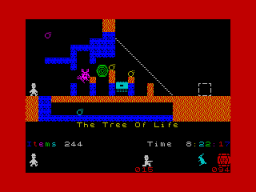
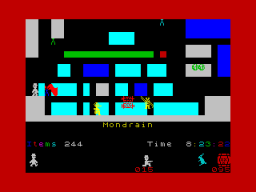
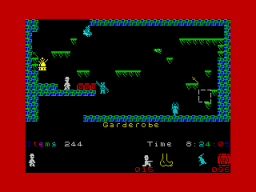
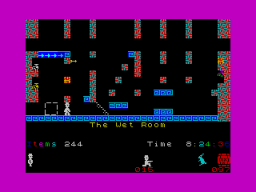
-
Modification of Manic miner tune. The above routine was an exercise in compacting the code. Code that was never used. The original modification from. SUB 8 RRCA RRCA RRCA CPL OR #E0 TO RRCA RRCA RRCA NEG OR #E0 --- my code has OR L where L=#e0 This modification works fine and gives exactly the correct results. And does not need any additional code. my error was just swapping the routine around, whilst still thinking about the CPL instruction used in the first routine NEG RRCA RRCA RRCA OR #E0 --- my code has OR L where L=#e0 Moving the NEG from after the RRCA instructions to before the RRCA instruction changed what it did. Simpler to revert back to the sequence SUB 8 CPL RRCA RRCA RRCA AND 31 OR L Since the above code has been tested. I know it works for all values, in exactly the same way as the original. Works 100% The routine is still 70 plus bytes smaller than the original. Addendum. The AND 31 instruction was added before the code change to compacted data. The reason for its inclusion was to permit the moving of the piano graphics to any screen line, and not be forced via the old code to one of 3 fixed screen positions. 2nd addendum: The code I reference is the original layout. Unfortunately for me, I have edited so much code and done so many changes in the code, that I would need to keep going backward and forward checking items for reference. The code listed in the Manic Miner music routine, is a derivative of the original code, which because of dual usage no longer OR's in the screen address, It now adds it. This slight change is what the next post #12 is referring to as the difference in opcode usage. The code I listed is relocatable and not fixed to any memory address. In the context of being placed back into Manic Miner, it can again have the restrictions imposed on it. The tune data and the two data tables used for data expansion, can be fixed into a page, along with the fixed screen keyboard reference. This can remove several opcodes and make it even smaller. (something I will not do). I prefer the options of being able to have code where ever I place it
-
Edited and swapped some registers around - another 2+ bytes smaller This code can be placed anywhere in ram. ;The complete title music routine (data and code) for Manic Miner ; Manic_Miner_Title_Music: ld de,Tune_Data ; manic_loop: ld a,(de) OR A RET Z AND 3 LD HL,TIME_SHIFT CALL STEP_INDEX LD C,A << added LD (S_M_C_ahead),A LD A,(DE) LD HL,NOTE_SHIFT CALL STEP1_INDEX LD B,A << added LD C,A INC DE LD A,(DE) inc de push de ld d,a ;NOTE 1 CALL NOTE_PLACE push hl ld (hl),#50 ld a,d add a,b << added add a,c ld e,a :NOTE 2 call NOTE_PLACE push hl ld (hl),#28 LD A,L ld l,e ;NOTE 2 (lows) ld h,d ;NOTE 1 (highs) ld b,0 <<added S_M_C_ahead: equ $+1 ld bc,0 tune_loop: OUT (#FE), A DEC D :NOTE 1 (highs) JR NZ,tl_1 LD D,H XOR #18 tl_1: DEC E : NOTE 2 (lows) JR NZ,tl_2 LD E,L XOR #18 tl_2: DJNZ tune_loop DEC C JR NZ, tune_loop POP HL LD (HL),56 POP HL LD (HL),56 POP DE CALL test_enter ;#9337 RET NZ JR manic_loop ; NOTE_PLACE: LD HL,#59e0 ; with this code, the piano address can be at the start of any attribute line SUB 8 CPL STEP1_INDEX RRCA RRCA RRCA and 31 STEP_INDEX: ADD A,L LD L,A ADC A,H SUB L LD H,A LD A,(HL) RET ; TIME_SHIFT: DB 25,50,80,100 NOTE_SHIFT: DB 0, 1, 6, 8, 10, 11, 13, 20, 21, 24, 32, 43, 75, 77, 128, 154 ; Tune_Data: DB 2+8*1,128 DB 2+8*1,102 DB 2+8*1,86 DB 1+8*1,86 DB 1+8*10,171 DB 1+8*3,43 DB 1+8*3,43 DB 1+8*10,51 DB 1+8*6,64 DB 1+8*6,64 DB 1+8*10,171 DB 1+8*1,128 DB 1+8*1,128 DB 1+8*1,102 DB 1+8*1,86 DB 1+8*4,86 DB 1+8*8,171 DB 1+8*4,43 DB 1+8*4,43 DB 1+8*8,171 DB 1+8*7,48 DB 1+8*7,48 DB 1+8*8,171 DB 1+8*1,136 DB 1+8*1,136 DB 1+8*1,114 DB 1+8*1,76 DB 1+8*1,76 DB 1+8*8,171 DB 1+8*8,38 DB 1+8*8,38 DB 1+8*8,171 DB 1+8*7,48 DB 1+8*7,48 DB 1+8*8,171 DB 1+8*1,136 DB 1+8*1,136 DB 1+8*1,114 DB 1+8*1,76 DB 1+8*1,76 DB 1+8*10,171 DB 1+8*6,38 DB 1+8*6,38 DB 1+8*10,171 DB 1+8*6,51 DB 1+8*6,51 DB 1+8*10,171 DB 1+8*1,128 DB 1+8*1,128 DB 1+8*1,102 DB 1+8*1,86 DB 1+8*1,64 DB 1+8*11,128 DB 1+8*5,32 DB 1+8*5,32 DB 1+8*11,128 DB 1+8*3,43 DB 1+8*3,43 DB 1+8*11,128 DB 1+8*1,128 DB 1+8*1,128 DB 1+8*1,102 DB 1+8*1,86 DB 1+8*1,64 DB 1+8*9,128 DB 1+8*2,32 DB 1+8*2,32 DB 1+8*9,128 DB 1+8*4,38 DB 1+8*4,38 DB 1+8*0,0 DB 1+8*1,114 DB 1+8*1,114 DB 1+8*1,96 DB 1+8*1,76 DB 1+8*13,76 DB 1+8*1,77 DB 1+8*1,77 DB 1+8*13,76 DB 1+8*1,91 DB 1+8*1,86 DB 1+8*15,51 DB 1+8*1,51 DB 1+8*1,51 DB 1+8*15,51 DB 1+8*1,64 DB 1+8*1,102 DB 1+8*1,102 DB 3+8*1,114 DB 1+8*1,76 DB 1+8*1,86 DB 1+8*12,128 DB 0+8*14,128 DB 0+8*1,128 DB 1+8*12,128 DB 0 ; Addendum:- slight change shortens code by 3 more bytes so around 73+ bytes smaller.
-
Compressed the data and the optimised the code routine size. I have since chopped another fives bytes of the routine, so around 62 bytes smaller. Going solely from your data of eight bytes. I assume a saving of around 70 bytes from the original.
-
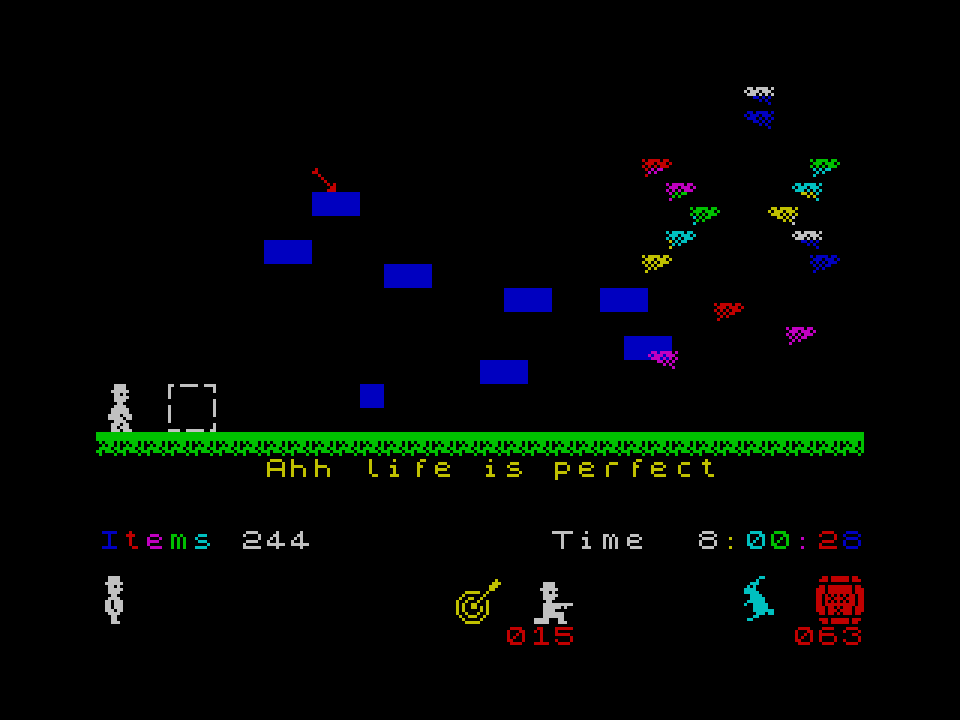
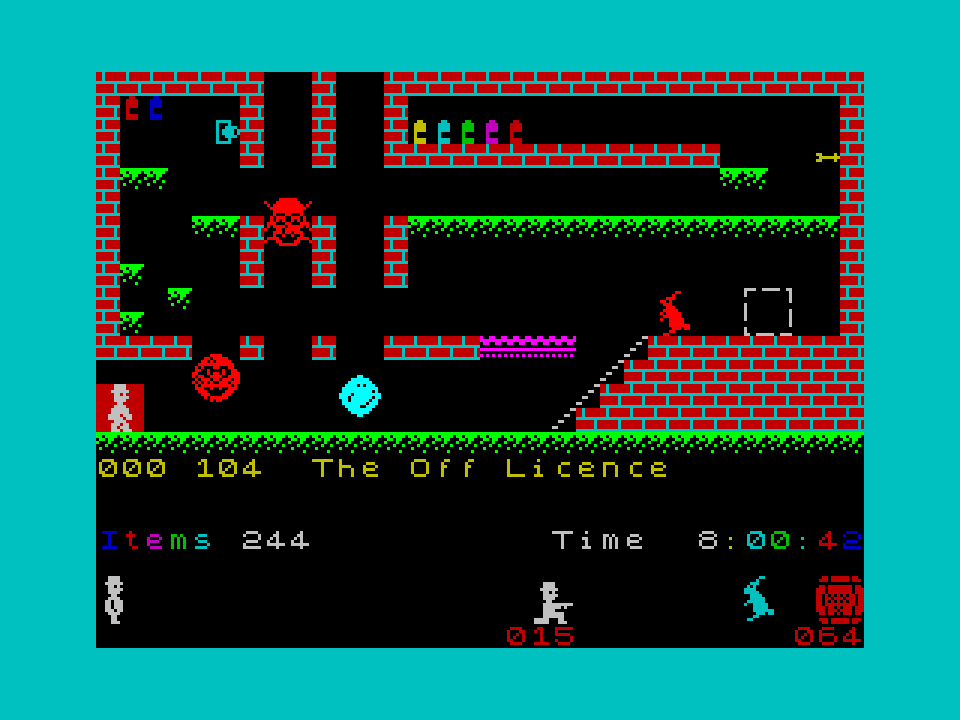
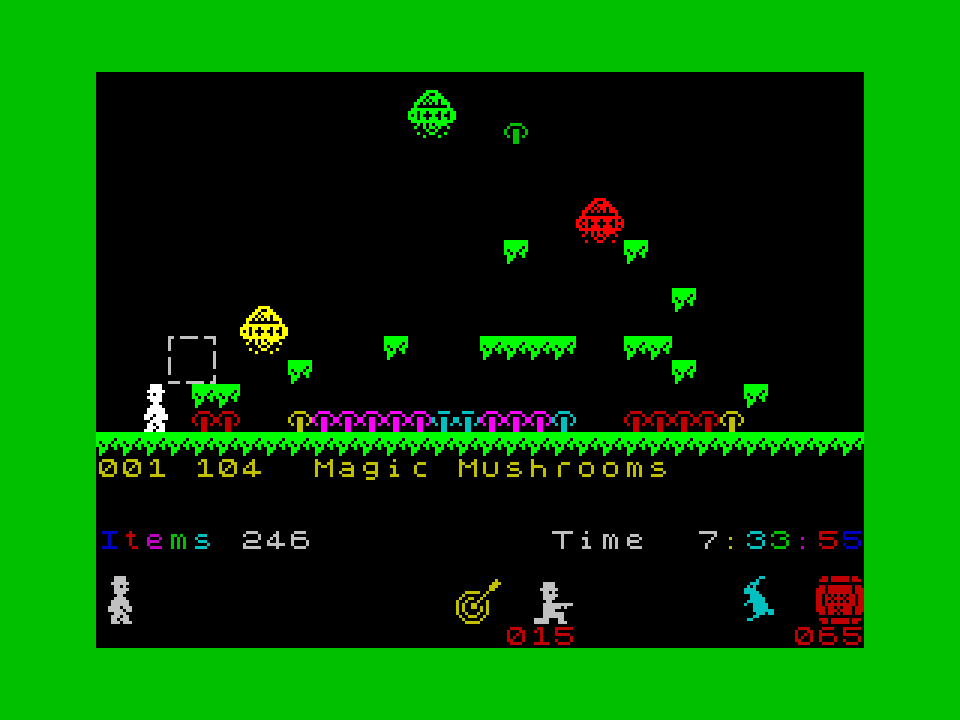
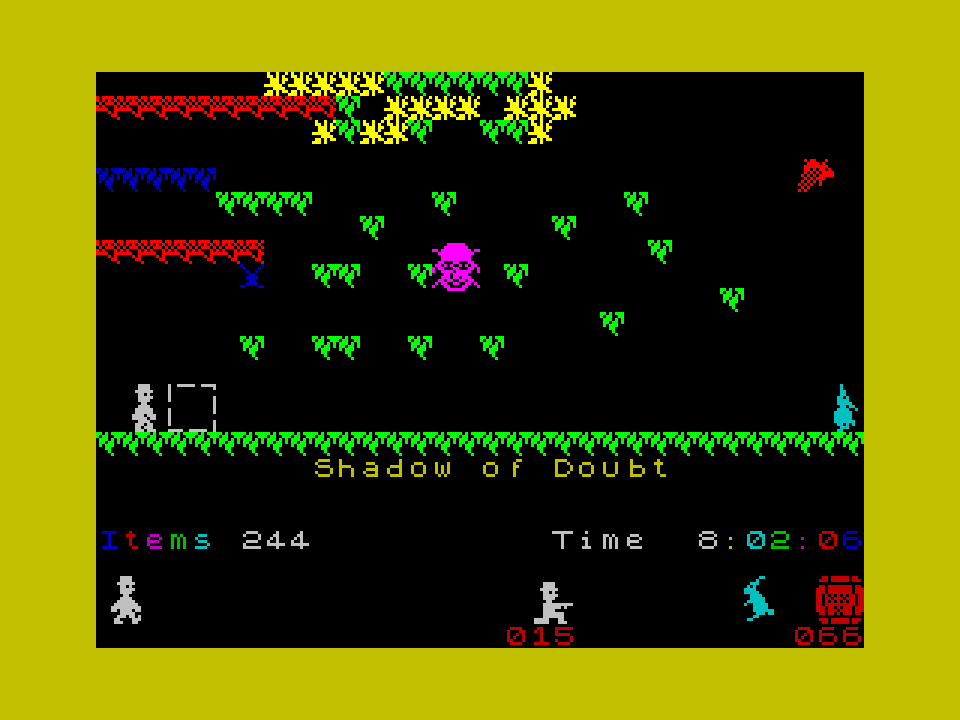
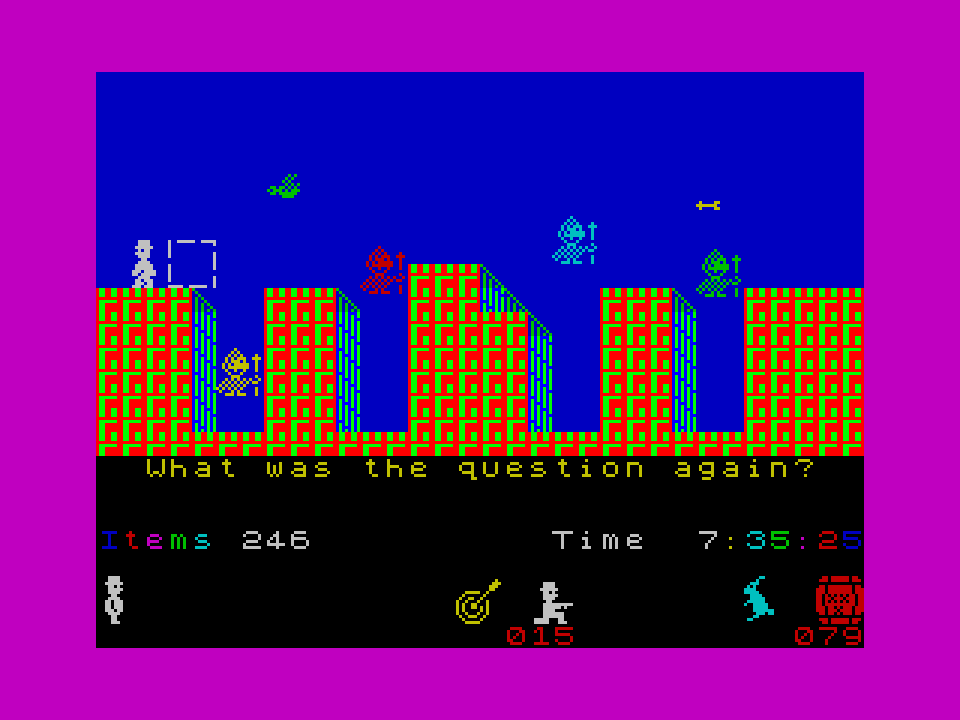
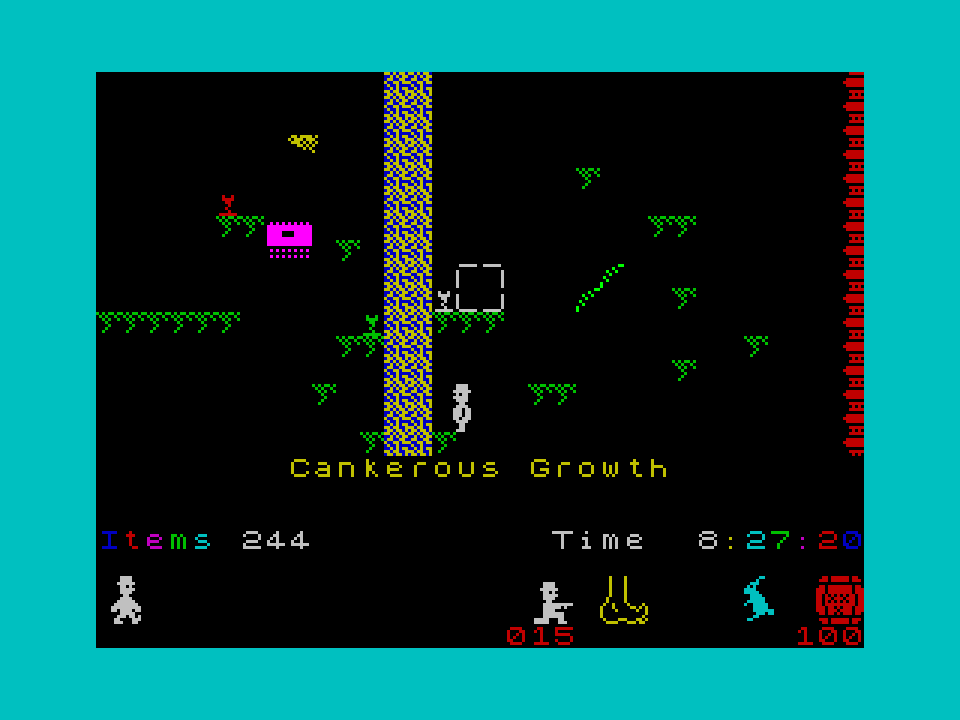
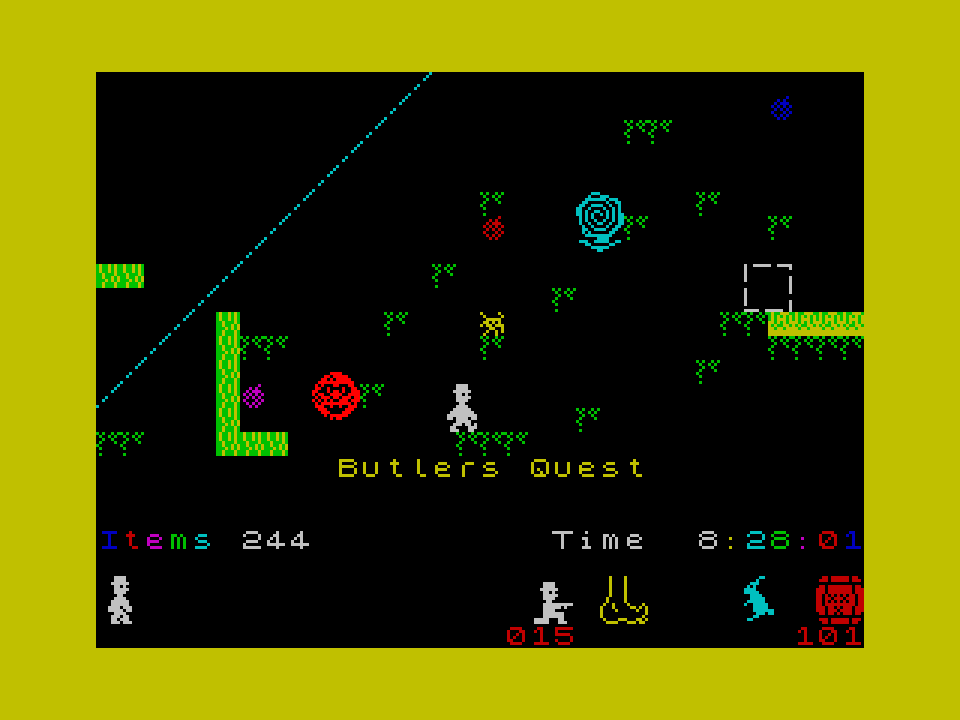
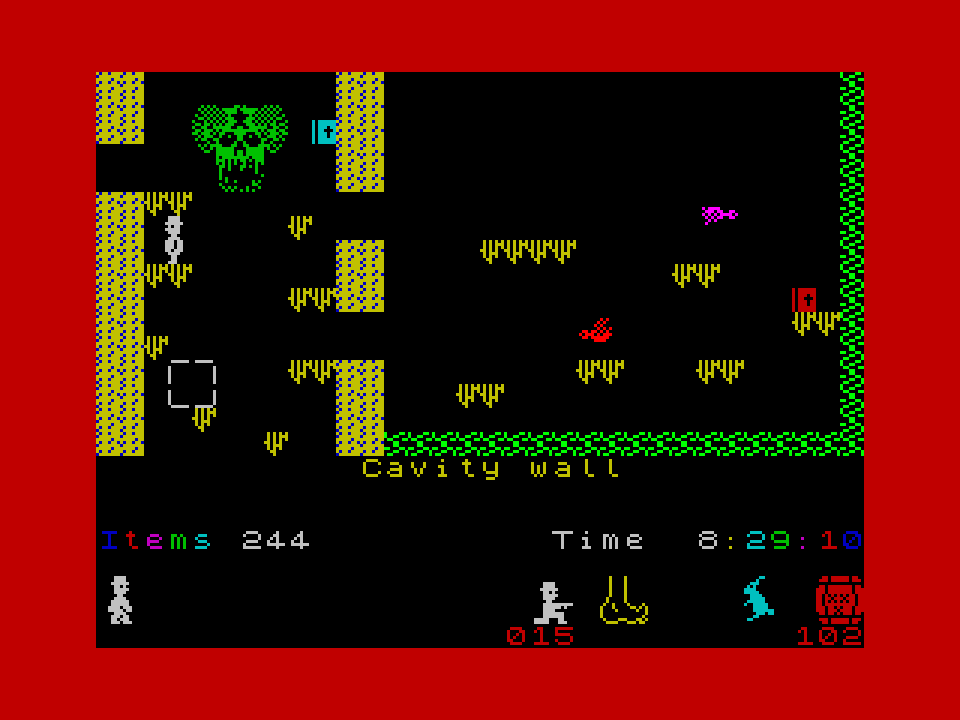
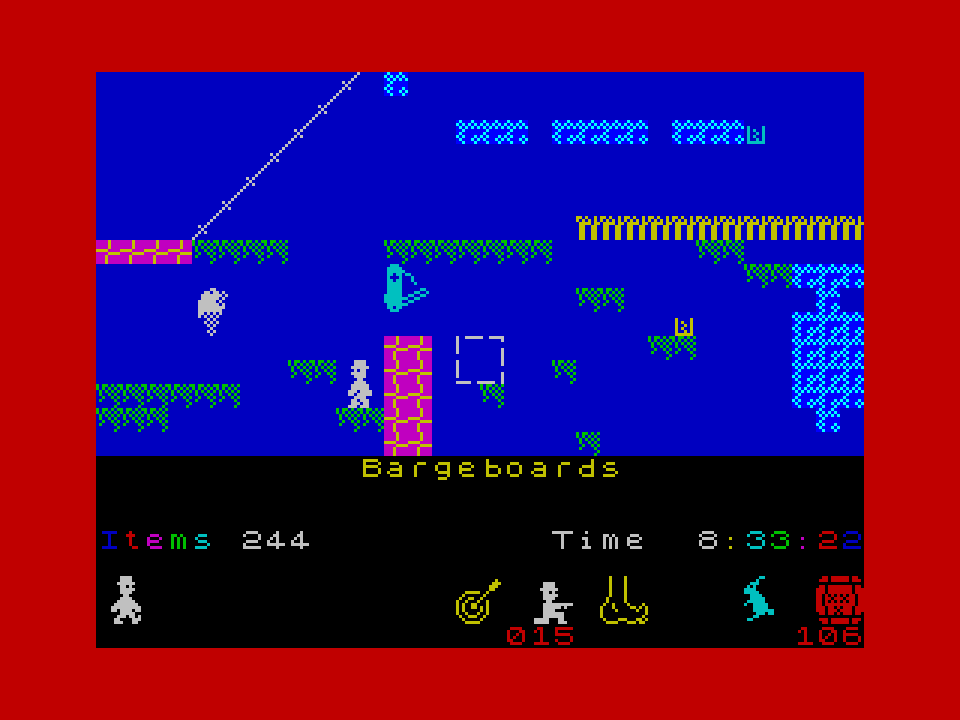
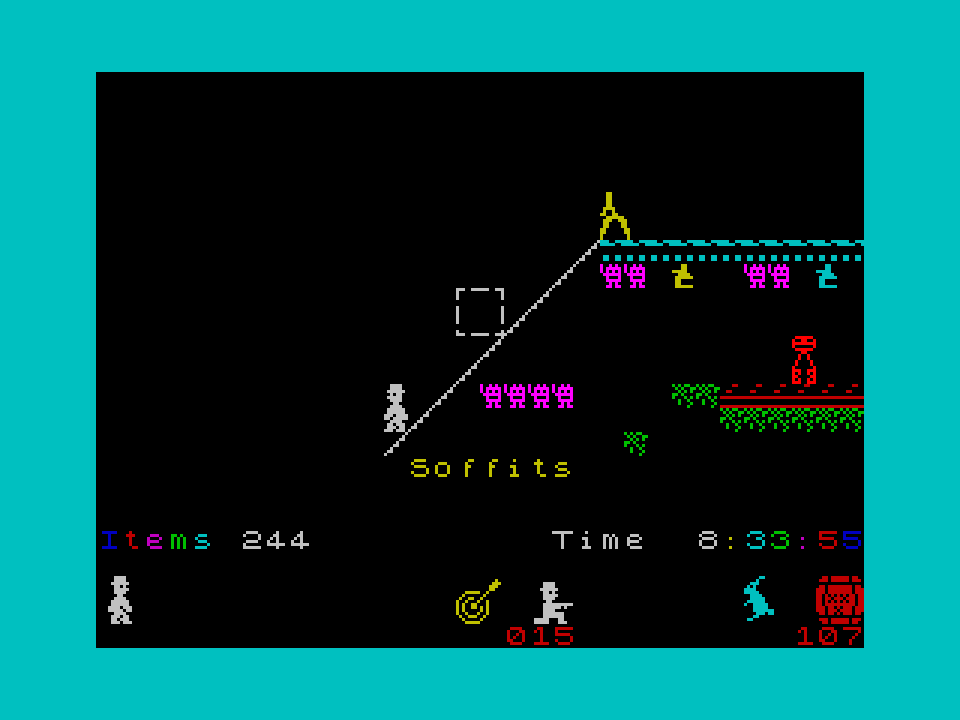
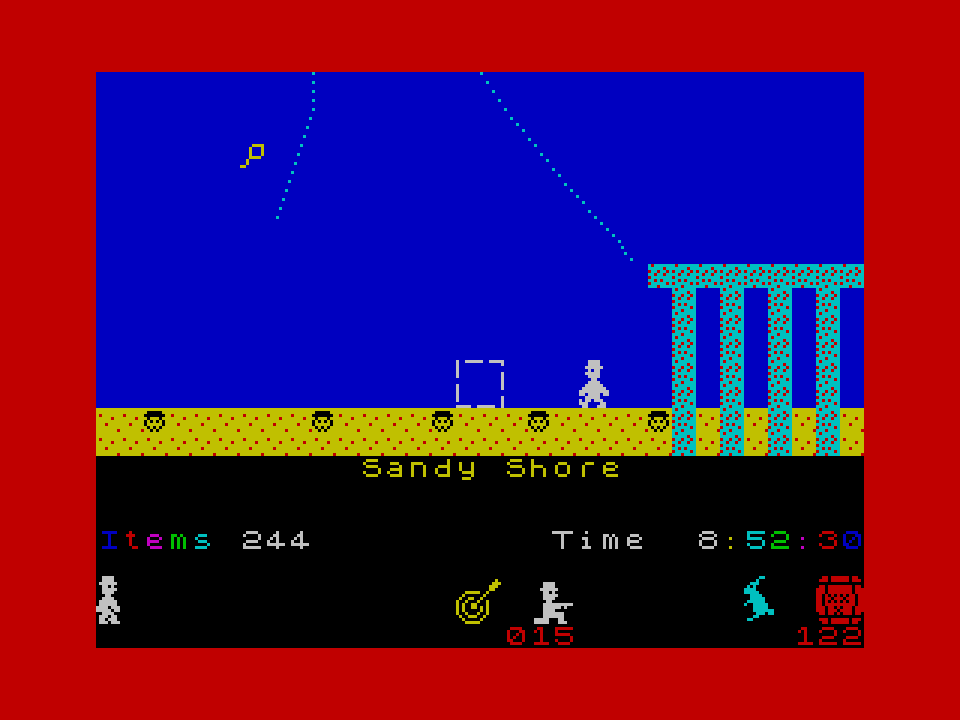
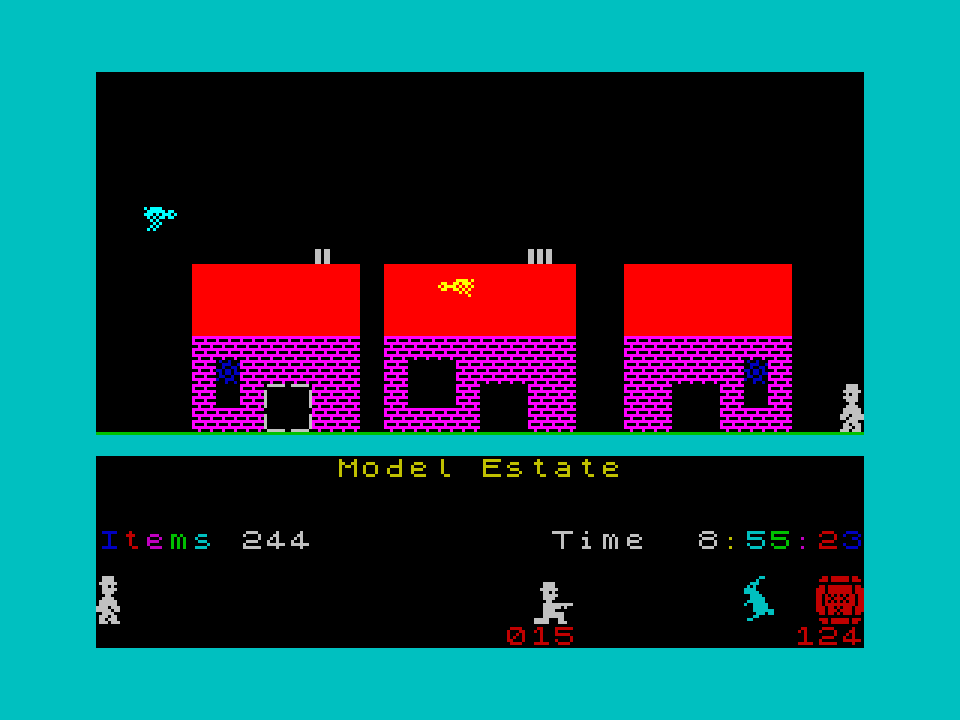
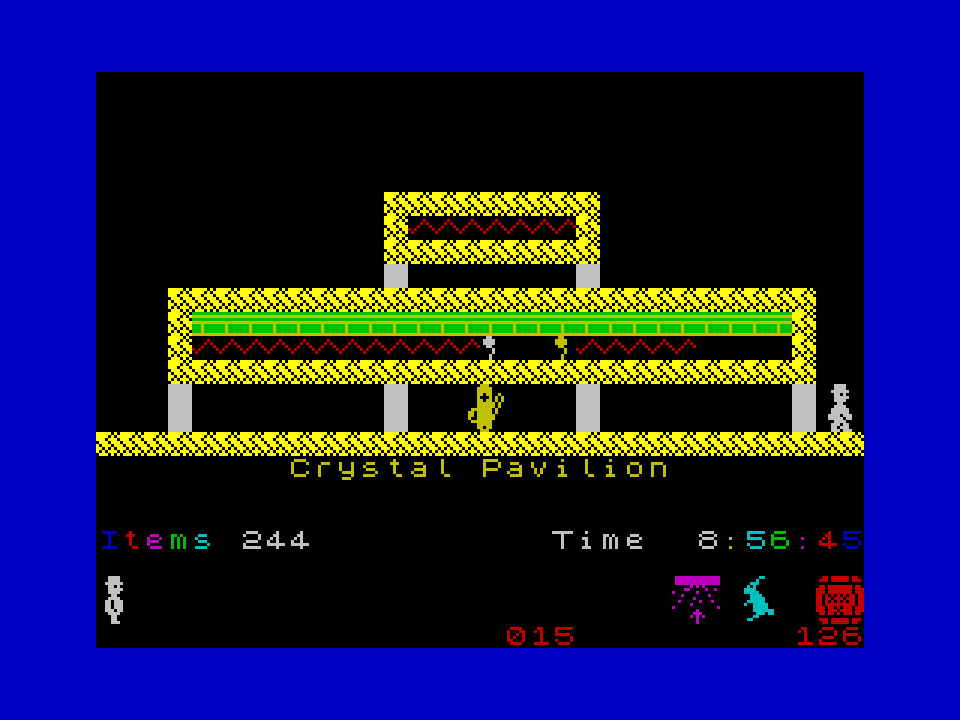
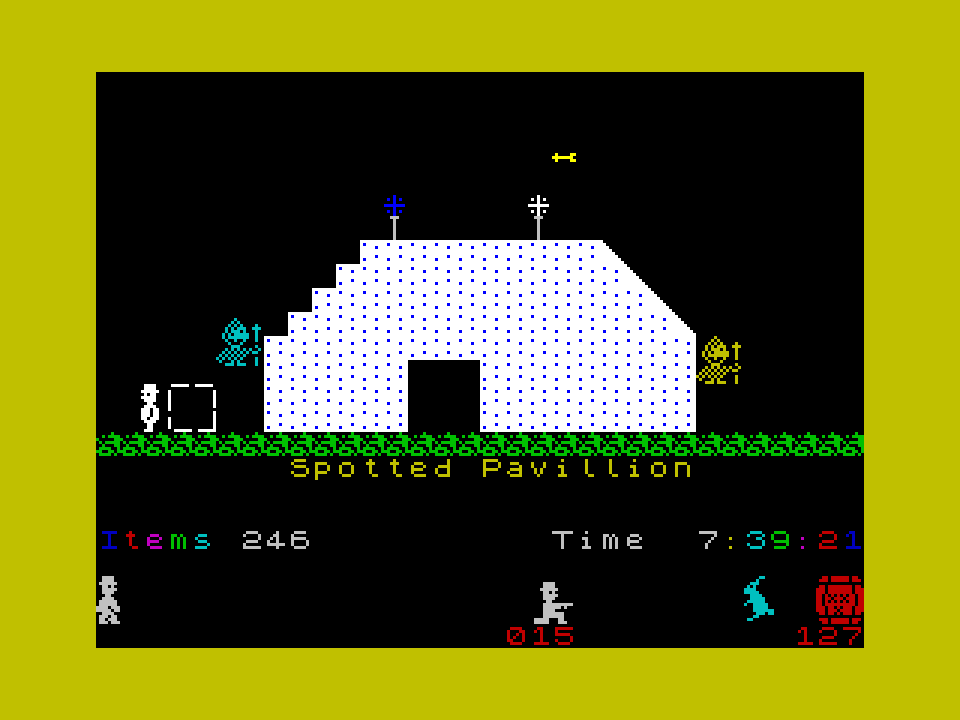
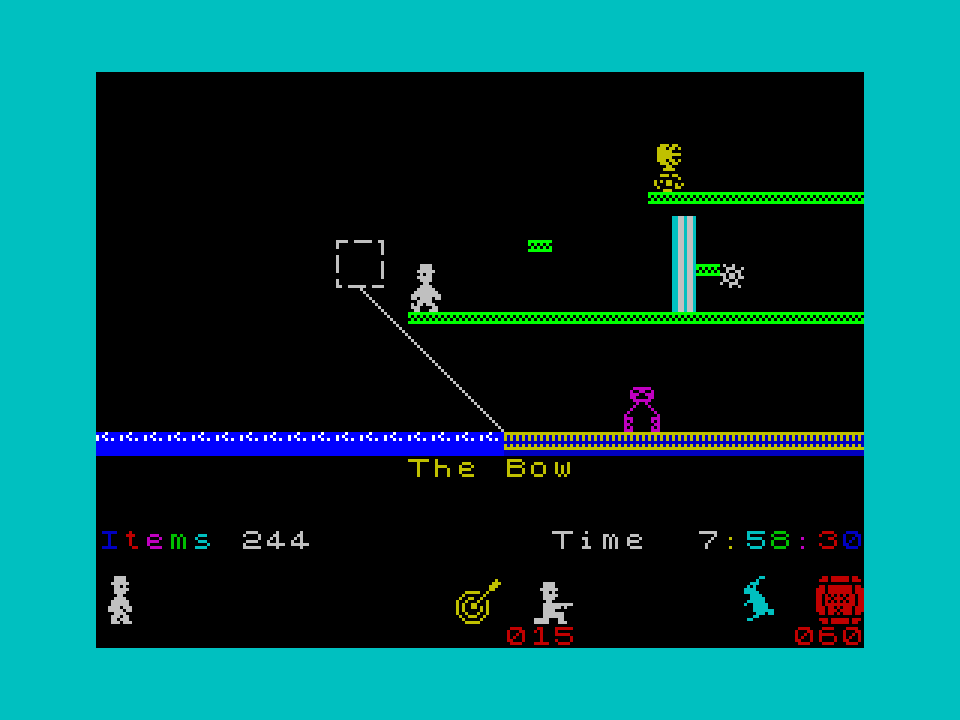
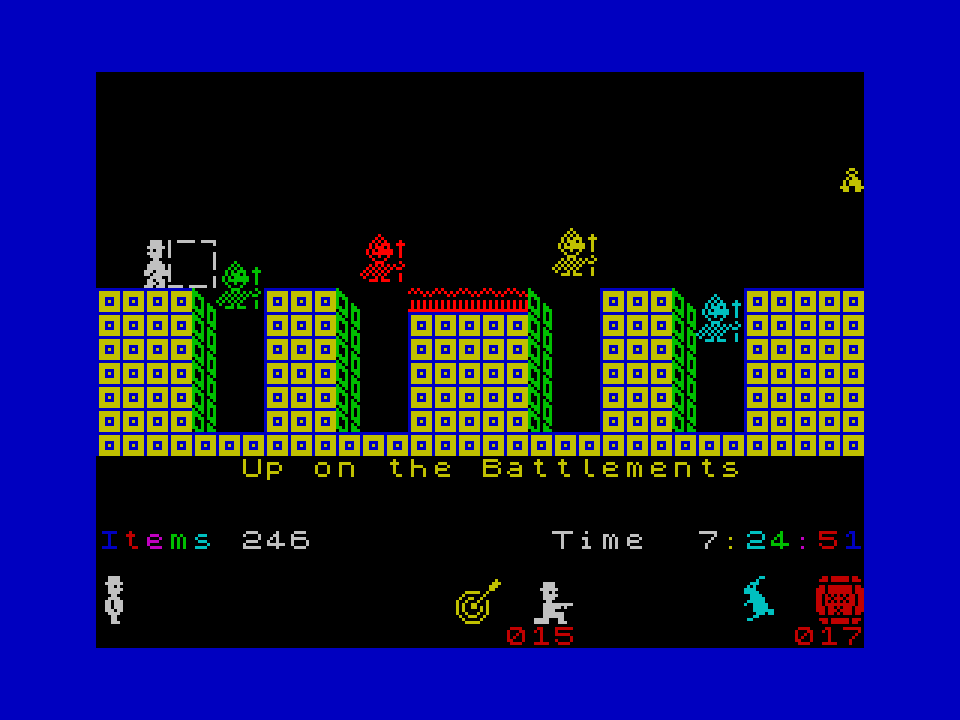
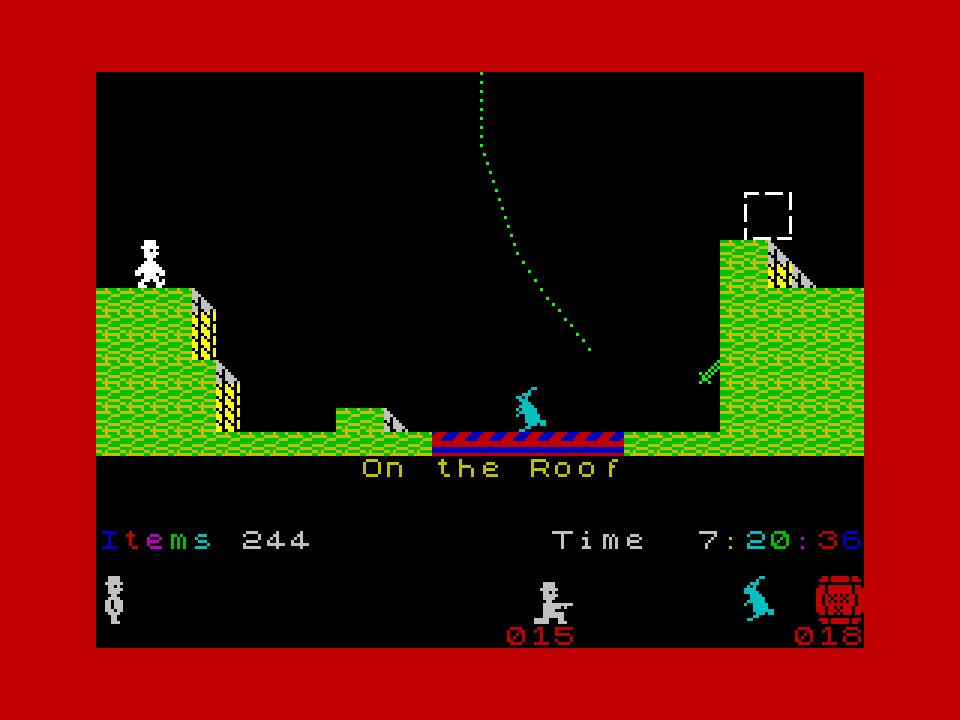
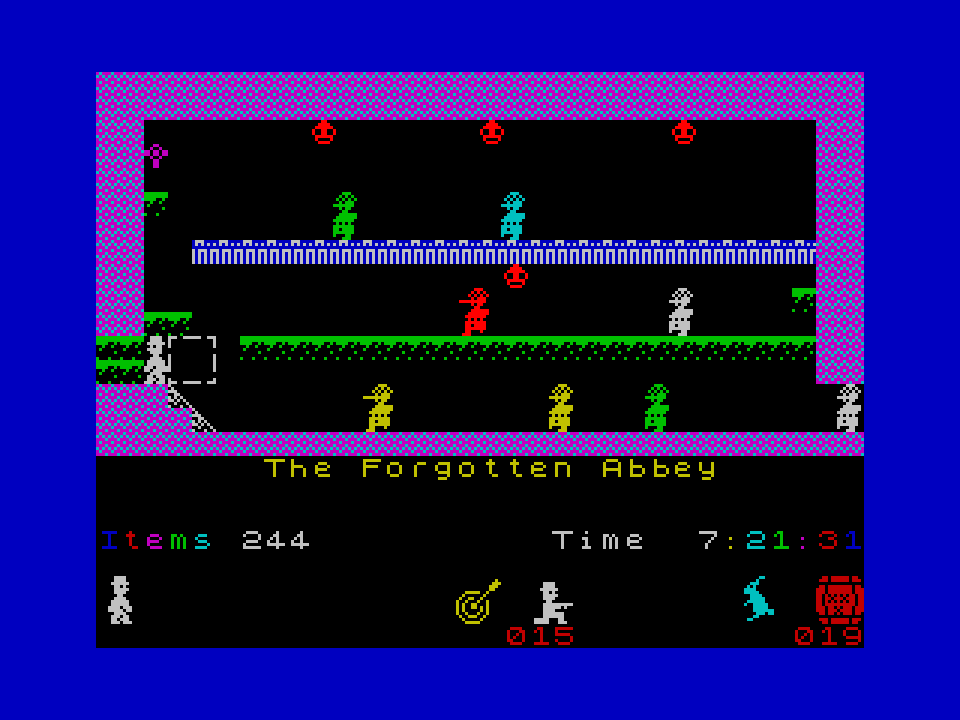
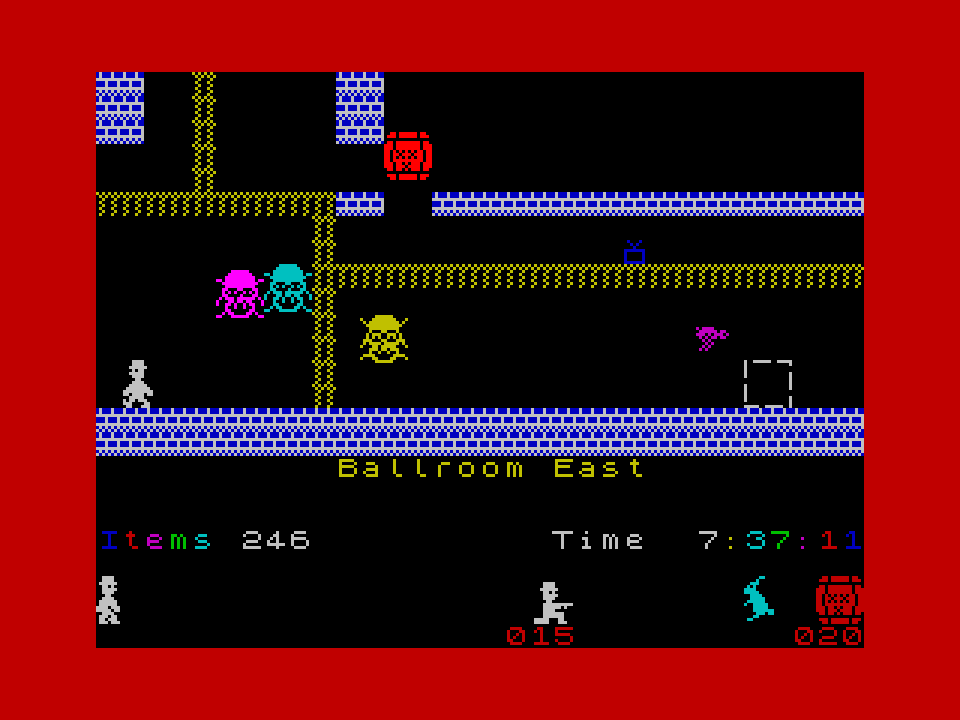
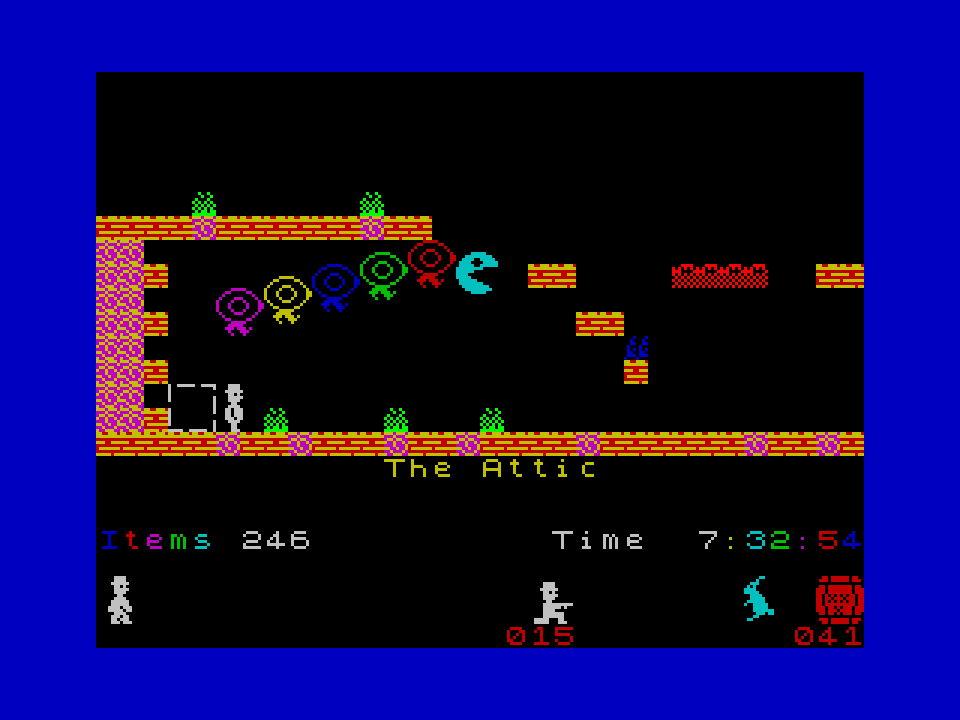
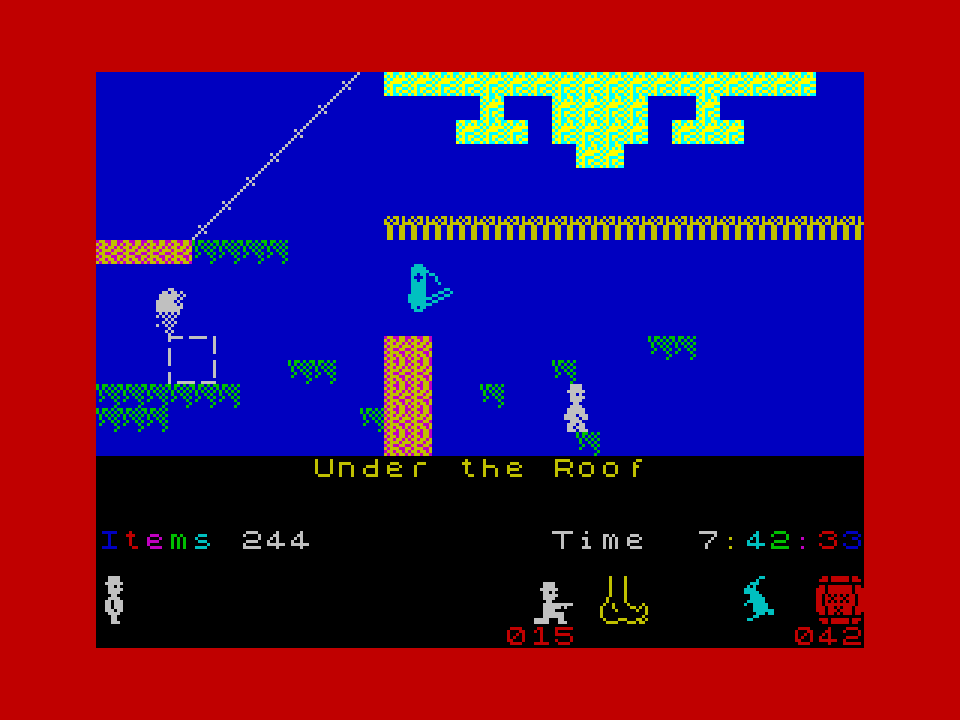
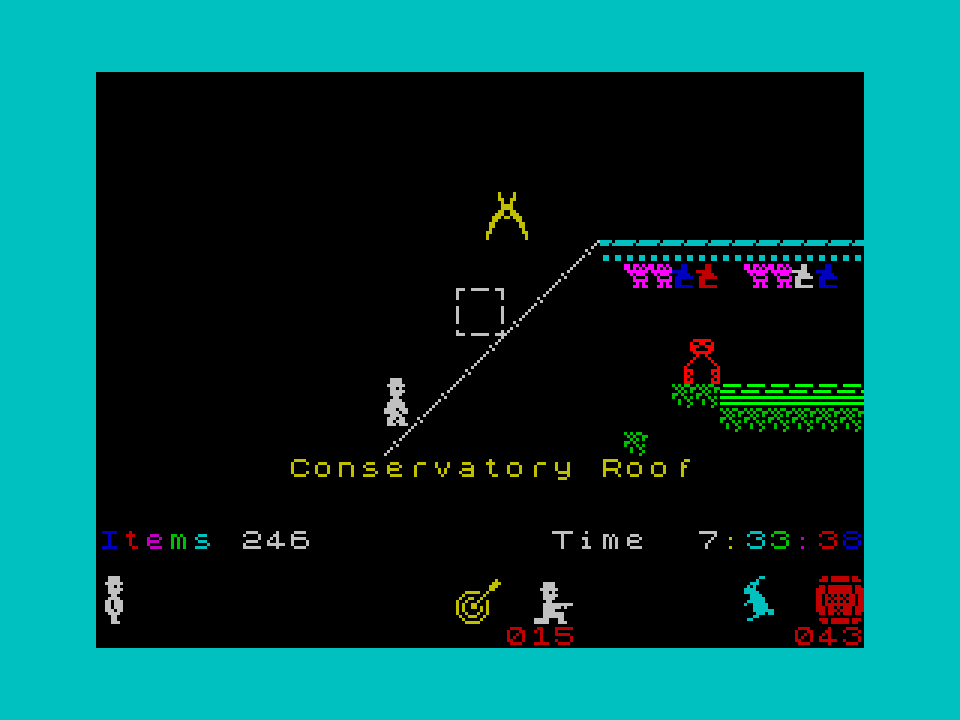
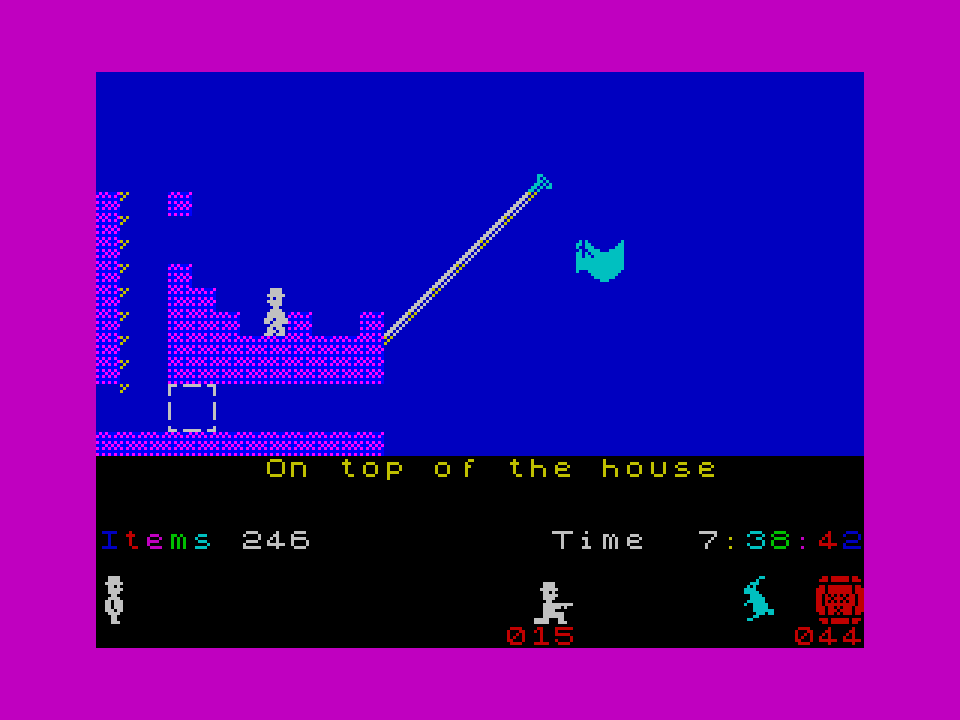
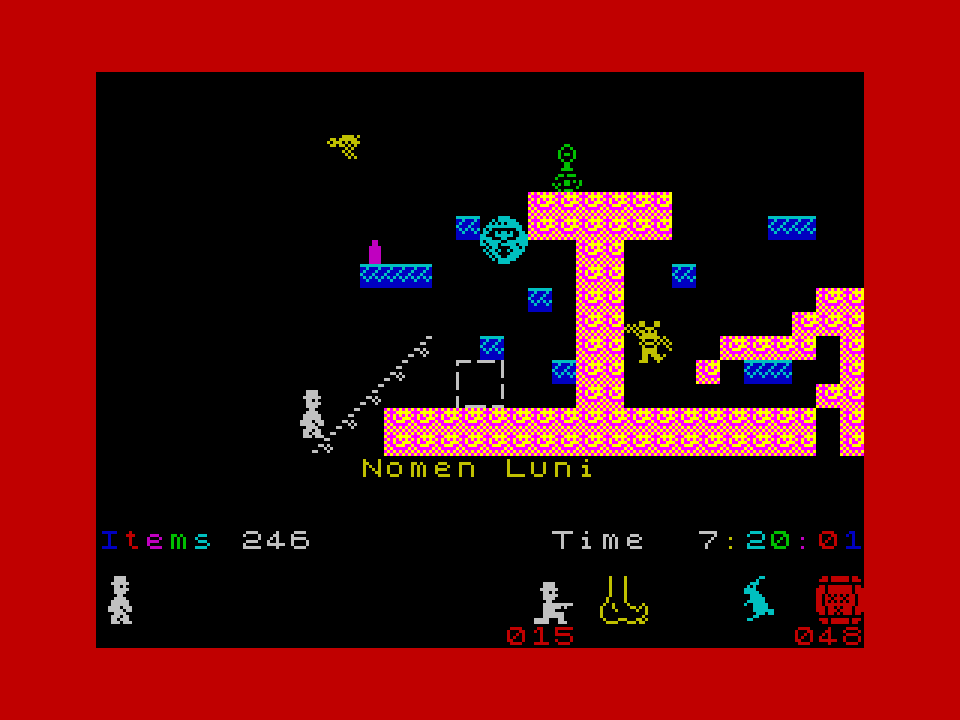
The delay in response is simply caused by having no knowledge that comments had been placed here. The yellow target sprite. Signifies that objects collected in this room, will increase the rubber tipped darts catch that Willy fires at other sprites. I am pleased that the icon I drew managed to convey what is was.... A dart hitting a dart board. (at no stage is another sprite harmed by being hit by these very soft rubber capped darts. All that happens is they are instantly transported to a safe place. To await re-emergence in the room) The version VL5 is old . The version I have now is considerably faster, and has several improvements. The increase in speed is significant and I realised that rather than just slowing down the game when the slower modes are activated. It is just as easy to play the music. This means that rather than the background clicking of a note, in the slow game versions, I play actual notes (if music is turned off, it still uses the music routine, but sound output is disabled from the routine) I have also added a new set of title graphics and a lot of other changes. No room or game layout changes. The speed increase as stated is considerable, I am tempted to re-visit version VK and implement the changes to allow that to benefit from the change in logic. ( the amount of code change is vast - A couple of days work minimum, copying and changing routines from VL to VK. No plans to do in the near future ) ------------------------------------------------------------------------------------------------------------------------------------ The speed increase was caused by wondering if I could change the format of JSW so that it plays a full screen game. The bigger screen size would cause a possible 50% drop in speed. So I added some code to increase the game speed to compensate for a possible slow down. The previous statement does not indicate that the added code was actually a major change in how the game works. I was curious to see how much effort it would take to do this change and a demo version of Vl5 was written ----Expecting major problems ------ So I was pleased when I found that the basic idea worked, and it has subsequently been updated and improved. My speed standard , the double room walk, in this demo version can be done in 8.3 seconds. (the origin JSW takes 20 seconds) The tests conclude that a full screen game is an option. The problem for me is that the amount of change needed is, as always, considerable. Which is not really an option from the game data layout that I have at present. To implement a full screen game I would need to start back at the basic original code. To start again I would need to yet again construct an assembler listing that is relocatable. (*** note 1) For example taking Skoolkits listing, the source code generated is far from being a usable source listing for what I aim to do. There are far too many fixed page references, and offsets specific to the game. These all need changing and this in itself is a big job. This I do by manually editing the code, line by line reference by reference. If you saw my listings you would see the difference in layout. I let the computer/assembler do the calculations. The source code I generate from doing this is quite a lot different from what is seen in typical listings. Perhaps I should set my next task as being the output of a workable source code for JSW. ------------------------------------------------------------------------------------------------------------------------------------ Note 1. When constructing my version of the source code, I always succumb to temptation and edit the code as I edit the layout. This means I have never had an unmolested relocatable working source code. , . ! ,,, ...! .''...
- 4 replies
-
- 3
-

-
- faster
- norman sword
- (and 3 more)
-
My original edit of this from around six months ago is only 12 bytes shorter than the post #0 I admit I have had numerous attempts at shrinking the code, in most case the end result stayed about the same size. So those numerous attempts where deleted months ago. I did however try one more time to edit this routine, and I did save a few bytes. My final edit for the overall Manic Miner Music routine is around 57 bytes smaller than the Music routine from post #0 I did however try one more time to edit this routine, and I did save a few bytes. My final edit for the overall Manic Miner Music routine is around 57 bytes smaller than the overall Music routine from post #0 So you know it can be done. Addendum The music routine consists of two parts. The code to play the music and the music data. One without the other serve no purpose in the game.
-
If the zero's are changed to any other value you can move the illuminated note up to any position, as long as they both stay the same value, you will still have silence. Which does not change the fact that the keyboard illuminates. Since the design of the keyboard looks like it was constructed from several broken ones. Lets just assume that the far left key is not working, and when struck the keyboard makes no noise.
-
Very surprised it did not contain far more errors. I will edit but leave the errors obvious.
-
This is a re-use of the same algorithm. This time it translates a key press into a key value. Could be used for high score input which uses the keyboard to type in a name and not the easy scroll letters to get an input. The big wastage is the translate table. The purpose of typing this is only to show a quick re purposing of a routine. (Of note I have seen far worse than this) . . key_input: LD HL,TABLE-1 LD BC,#FEFE keyloop1: IN A,( C ) LD E,5 keyloop2: INC HL RRCA JR NC,key_pressed DEC E JR NZ,keyloop2 RLC B JR NC,keyloop1 JR C,keyloop1 << corrected JR key_input key_pressed: LD A,(HL) ;the key value from the keyboard . . TABLE db 0,"ZXCVASDFGQWERT1234509876POIUY",13,"IJKL ",1,MNB" TABLE db 0,"ZXCVASDFGQWERT1234509876POIUY",13,"LKJH ",1,"MNB" <<hopefully corrected shift translates as 0, symbol shift as 1, enter as 13 Edited to correct the errors from my quick transcribe.
-
Changes are minimal. Only 4 bytes smaller I would be tempted to use "L" in place of "E", this leaves the register pair "DE" unused.
-
The method I use is different, and takes exactly the same number of bytes and T-states It is slightly different, but only because I prefer to have bits set for keys pressed, and the spectrum port read gives the bit reset for keys pressed. ;WAIT FOR ANY KEY press loop: XOR A #AF IN a,(#fE) #DB #FE CPL #2F AND #1F #E6 #1F JR Z,loop #28 #F8 ;WAIT FOR KEY RELEASE , Keyboard debounce loop: XOR A #AF IN A,(#FE) #DB #FE CPL #2F AND #1F #E6 #1F JR NZ,loop #20 #F8 Post #246 and post #247(this post) Both differ only in the condition at the end JR Z when waiting for a key and JR NZ when waiting for the key to be released I will stick with using the CPL instruction.
-
Sorry if my editing of post #243 seems to indicate that post #244 is reiterating the same issue. What actually happened, was I looked at what I had written and edited it. Went away and made a cup of tea, came back and posted the changes. Without seeing the response via post #244
-
The z80 mnemonic LDIR which stands for Load Increment and Repeat LDIR moves each byte in memory over a period of 21 clock cycles or 21 T-states Your code is slower and writes each byte in around 29 T-states LD HL, #5A60 LD B, #20 Loop: LD (HL), #46 ;10T INC HL ;6T DJNZ Loop ;13/8T 29 T-states compared to LDIR 21 T-states You can speed this up from 29 T-states to around 24 T-states. 1) use the "C" register to load HL, this saves 3T states 2) use INC L instead of INC HL, this saves 2 T-states. In the code indicated, HL does not cross a page boundary. But even this, is still slower than LDIR LD HL, #5A60 LD BC, #2046 Loop: LD (HL),C ;7T INC L ;4T DJNZ Loop ;13/8T 24 T-states compared to LDIR 21 T-states The timing T-states are ideal timings, writing to contended memory will slow this down. However on very short writes when B is small, the slowing of the loop compared to LDIR will be counteracted by not having to load several registers. The change in code does save memory, which is the purpose of the code change.
-
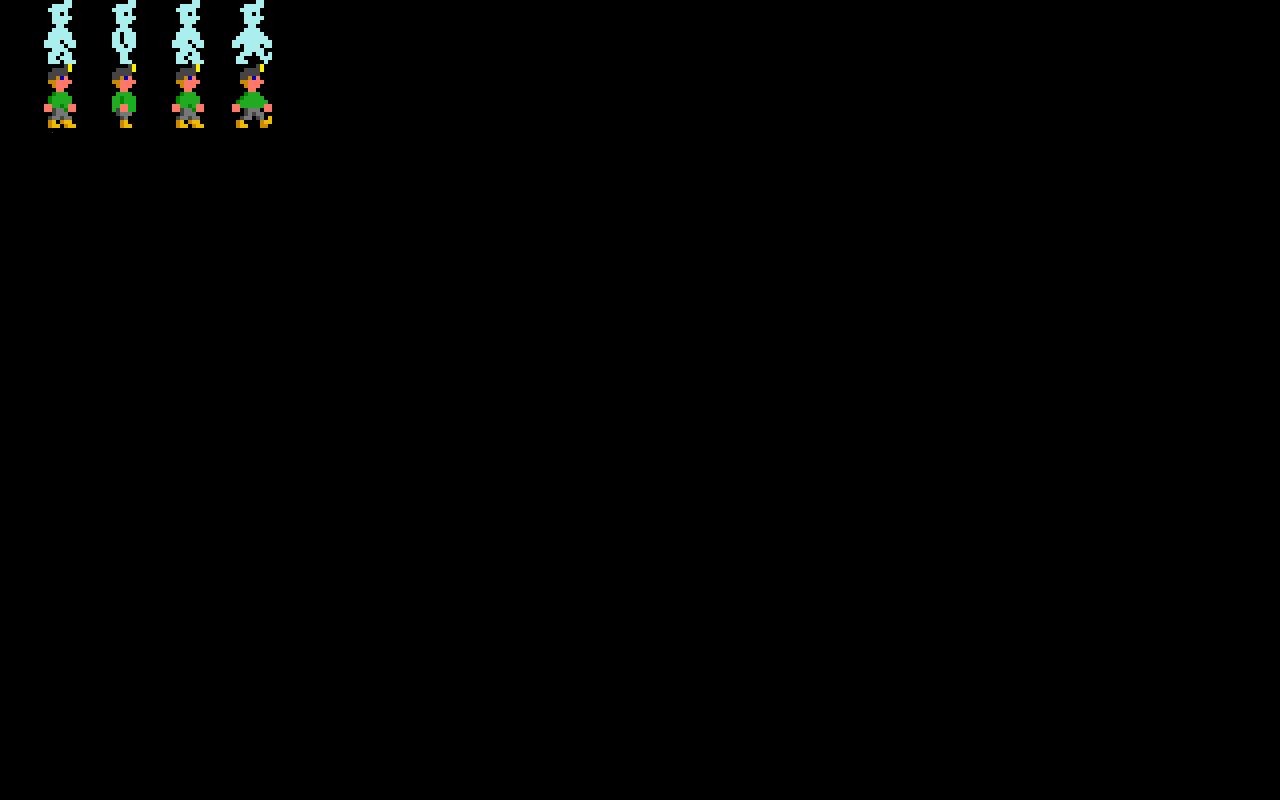
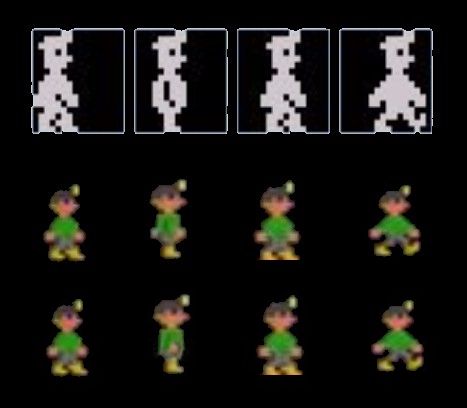
Leave the animation as 4 frames in both directions (as originally) I have edited the picture file to show the hand position in frame 2 Matthew drew the original in one colour, this edit whilst not exactly following what Matthew drew, will look correct. (I have not yet watched the video)- but I am in the process of going out, and will not be back at a computer till much later today.

-
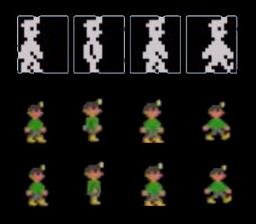
Looks great, but I see problems in how you have animated Willy. The picture shows the four phases of Willy along the top (original) The middle row shows the four phases as far as I can tell from your version (These are poorly scaled screen grabs) The lower row is how I would correct the the animation. E.g. by editing the 2nd phase of animation. The problem that I see, is caused by Willies hands not seeming to cross over the side of willies body.
-
If you read the comment I made and compare it with skoolkid's comment they are not the same. The Skoolkid comment is that it draws the graphics twice. In the Final barrier it draws the top half of the playing screen three times. draw the top half of the room graphics ---------------- 1) 1st write to the top of the screen over writes with the Final barrier graphics-------- ------2) 2nd write to the top of the screen draws the lower half of the room Then writes the graphics for the final barrier again --------- 3) 3rd write to the top of the screen
-
Trivia concerning the code that places the final barrier on the screen. Manic Miner. Code from 35388 to 35514 The Final Barrier When this room is drawn, Matthew's code goes through an illogical sequence. Matthews room drawing LOGIC as written in the game. (1) Draw all the tiles for the top half of the playing area. (2) Check we are in the Final barrier and erase the drawn graphics with the final barrier graphics (3) Draw all the tiles for the bottom half of the playing area. (4) And again check for the Final Barrier, then erase again the top half of the screen with the Final Barrier Graphics. NOTE this writes graphics to the top part of the screen three times. (1), (2), (4) This should have been as follows Check for the Final Barrier and draw the graphics on the top half of the playing area. Skip drawing the tiles for the top half of the screen Draw the tiles for the bottom half of the screen. Done Draw the room routine at 35388 35388 LD A,(33799) CP 19 Is it The Final Barrier? jr nz,draw_it LD HL,40960 LD DE,28672 LD BC,2048 LDIR jr draw2_it draw_it LD IX,24064 LD A,112 CALL thirds draw2_it LD IX,24320 LD A,120 Thirds LD (S_M_C_A),A loop LD A,(IX+0) ld de,9 ld b,8 LD HL,32800-9 ch_loop add hl,de Cp (hl) jr z,gotcha djnz ch_loop gotcha inc hl S_M_C_A equ $+1 ld d,$ ld e,lix call 37587 ; part of the print routine INC LIX JR NZ,loop RET
-
I will chuck some figures around concerning the big chunk of data that is stored "the final barrier". When I was presented with that piece of data I wrote a simple piece of code and compressed it. The expansion code is small. The Final barrier data and the title screen data compressed into 170H bytes. The keyboard was stored separately, I think the keyboard compresses into 10 bytes. (the expansion code for the keyboard is not very big) It would be relatively easy to move the Final barrier graphics (compressed) , the boot, plinth and swordfish data into the unused source code space. The rest of that space could be used for code and un-compression routines. This then allows the room data to be compressed freely. Again it would be a simple task to write a routine to compress two sets of game data and place then into what is now the room data space. Yes a lot of work, but you end up with 40+ caverns, which would be two games merged. -------------------------------------------------------- Another reason I would not do this is not concerning the data, compression or data layout, it concerns how the game mechanics check for room numbers before altering how the cavern plays.
-
Curious to see the extent of room graphic data that is referenced by the game code, So I have done a quick scan through a listing. Not as many as I thought. These are the references to room specific data The Final Barrier Data Boot Graphic Data Plinth Graphic Data Swordfish Graphic Data (might be more, but not a significant amount of references)